How to
How to take a source photo with your phone for better AI product photos
AI product photos are only as good as the photo they start from. You do not need a studio or a camera. You need daylight, a plain surface and five minutes per product.
Updated · 4 min read · By the Brand Studio team
Why the source photo matters
When an AI makes a new photo of your product, it can only keep what it can see. A blurry button becomes a guess. A shadow across a print becomes part of the print. A cut-off hem becomes a hem of unknown length. A clear source photo is the cheapest way to get photos that look like your real product.
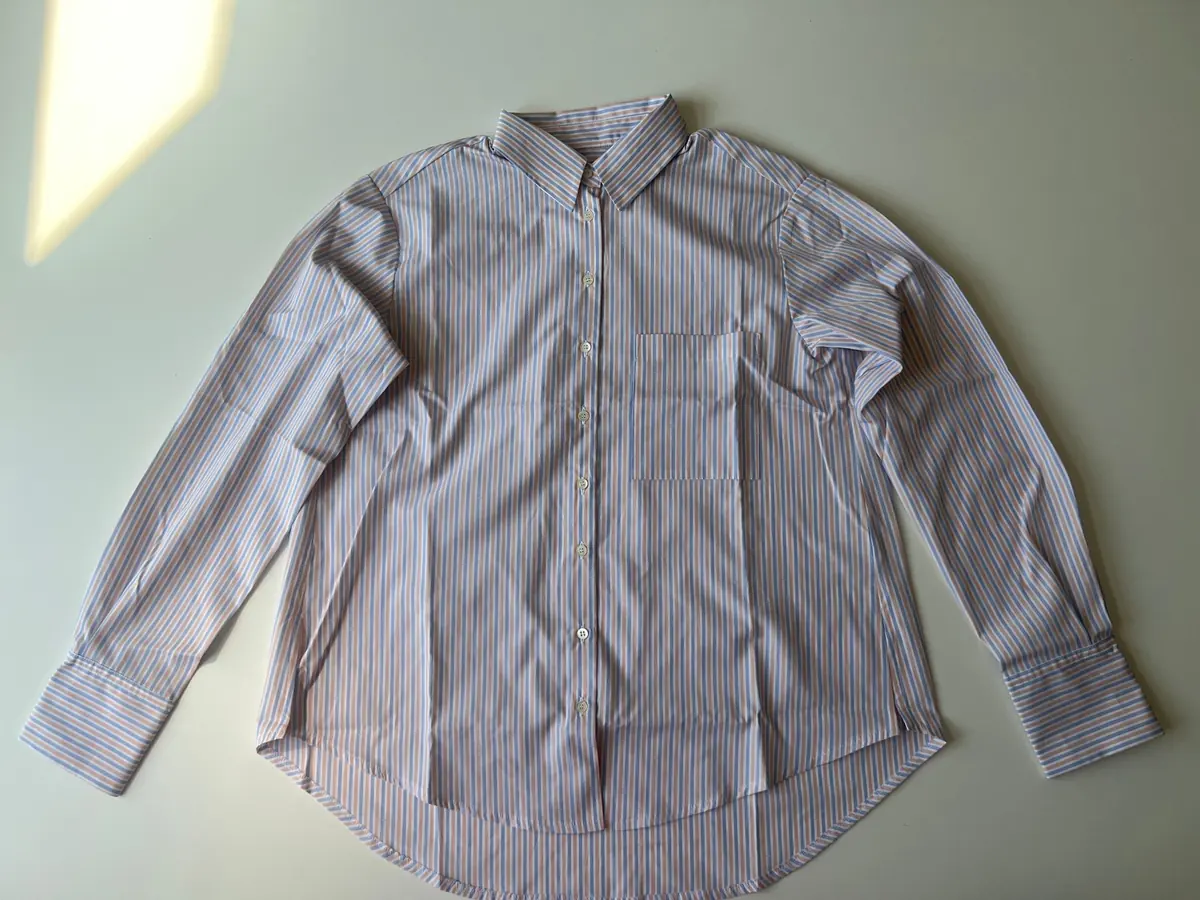
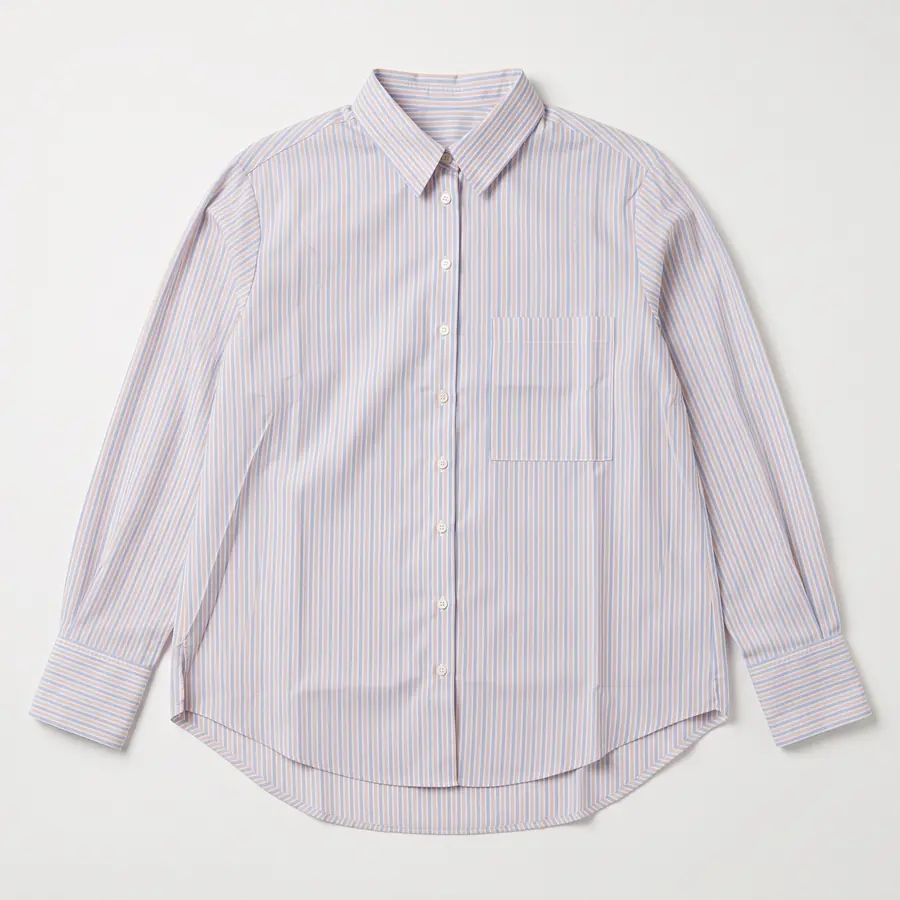
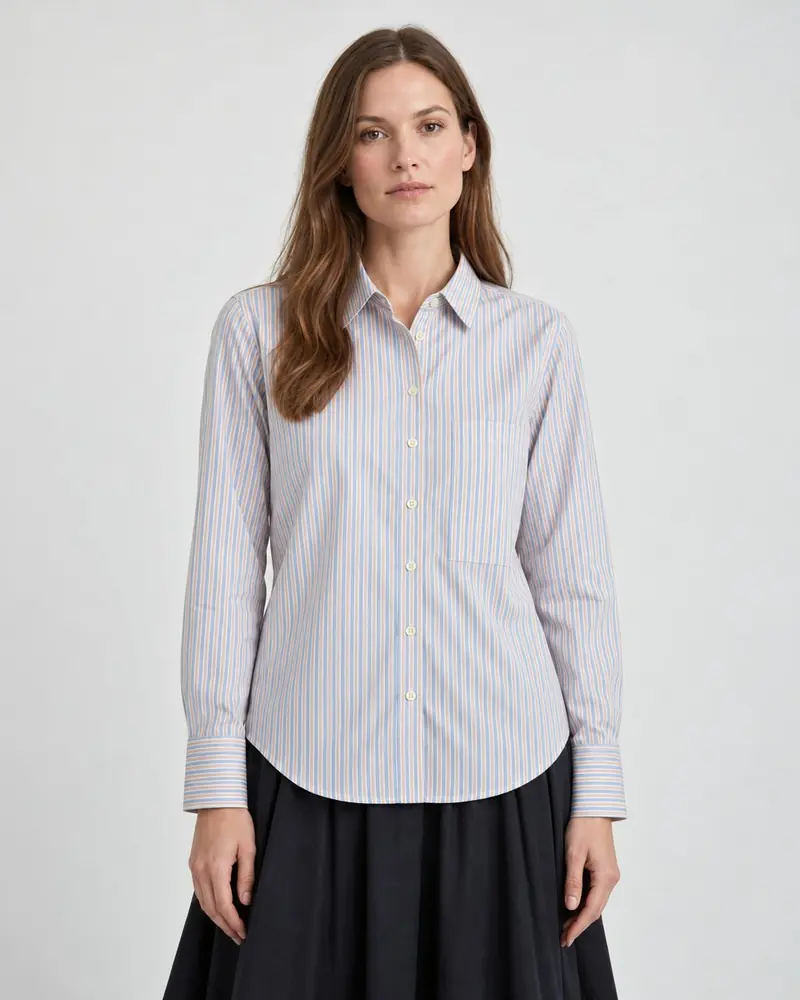
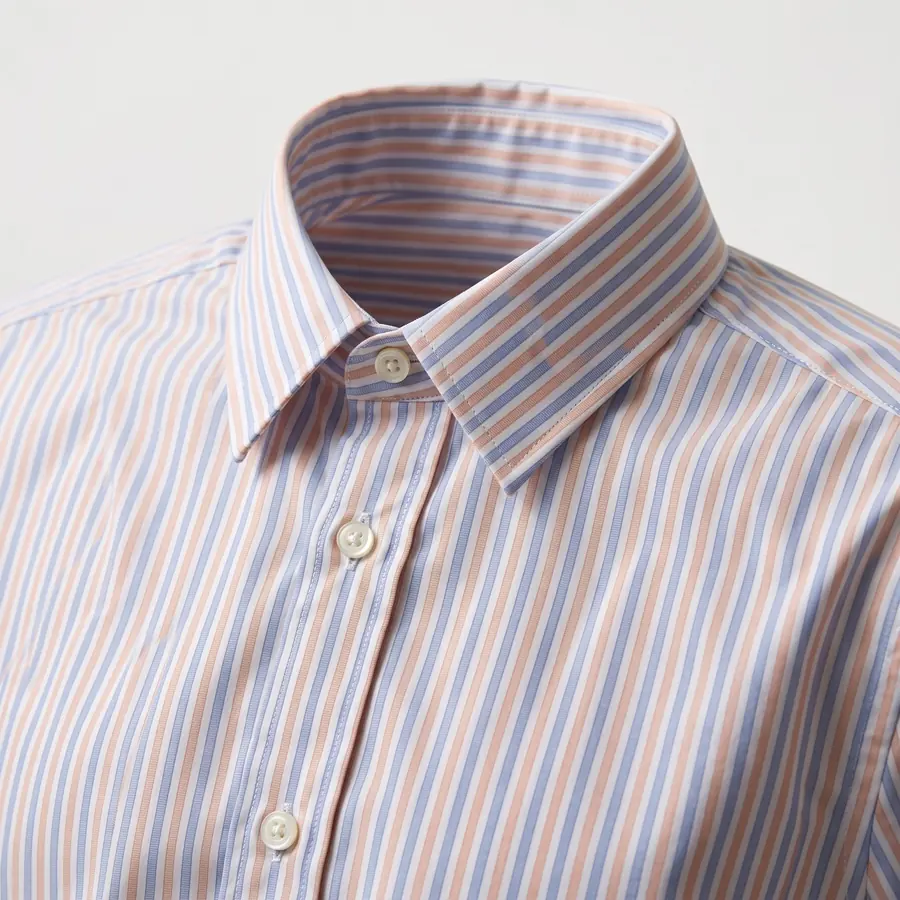
The good news is that a source photo does not need to look nice. Nobody sees it but the AI. It needs to be clear, evenly lit and complete. The source photo of the striped shirt on this page was taken with a phone on a table, and every other shirt photo here was made from it.
What you need
- A recent phone. Any phone camera from the last few years is fine.
- A window with daylight. Indirect light is best: a bright day without sun shining straight onto the product, or a north-facing window.
- A plain surface. A table, the floor or a wall. Light, plain and without strong patterns. The background gets replaced, so it only needs to stay out of the way.
- Optional: a sheet of white paper or card to bounce light into the shadow side.
Light: soft, even and from the side
Light does more for a source photo than anything else. Place the product near the window, with the light coming from the side. Turn off the room lights, because mixing warm bulbs with daylight shifts colors.
- No flash. It flattens texture and adds hard glare on shiny parts.
- No direct sun. It makes hard shadows and blows out white fabric.
- Watch for your own shadow when you stand over the product.
- For shiny products like jewelry or glass, move the product until reflections are small and do not hide details.
Angle and framing
- Show the whole product, with a little space around the edges.
- Shoot straight on. For clothing laid flat, hold the phone straight above it. For standing objects, hold it level with the product.
- Smooth out big creases and do up buttons the way the product should look.
- Use the main camera lens, not digital zoom. Step closer instead.
- Tap the product on screen to focus on it, and check the photo is sharp before you move on.
The four photos worth taking
Brand Studio has room for up to four source photos per product. The front photo matters most. The others fill in what the front cannot show.
| Photo | What it shows | When to take it |
|---|---|---|
| Front | The whole product, front facing the camera | Always |
| Back | The whole product from behind | When the back has a print, a different cut or details |
| Close-up | One detail, sharp and filling the frame | For labels, logos, buttons, clasps, texture |
| Scale | The product next to something familiar, or in a hand | When size is hard to judge, like jewelry or small goods |
Tips by product type
Clothing
Lay the garment flat on a clean floor or bed, or hang it against a plain wall. Straighten the sleeves and the hem so the length is clear. If the fabric has a texture or a small print, take a close-up of it.
Jewelry
Place the piece on a matte, plain surface, not on a shiny one. Get close enough that it fills a good part of the frame, but stay sharp. Take a close-up of the stone, clasp or engraving. Our jewelry photo guide has more.
Bags, shoes and hard goods
Stand the product up on a table, at eye level with the phone, slightly turned so you see the front and one side. Stuff bags so they keep their shape. Take a close-up of hardware like zips and buckles.
Home goods and ceramics
Shoot from a slight angle so the shape reads. Glazes and glass reflect windows, so turn the product until the reflection does not cover the surface pattern.
Quick checklist
- Whole product in frame, nothing cut off
- Sharp when you zoom in on the photo
- Daylight, no flash, no hard shadows
- Plain background, no clutter in the frame
- Colors look like the real product on your screen
- A back photo and a close-up if the product needs them
FAQ
Do I need a professional camera?
No. A recent phone camera is enough. Sharp, evenly lit photos matter much more than the camera.
Does the background matter?
Only a little. The background is replaced, so it just needs to be plain and stay out of the way. Avoid busy patterns and clutter next to the product.
Can I use photos from my supplier?
If you have the right to use them and they show the real product clearly, yes. Check that the colors match the product you actually sell.
How many source photos should I take?
Start with a front photo. Add a back photo and a close-up when the product has details there. Brand Studio has room for up to four per product.
Related guides
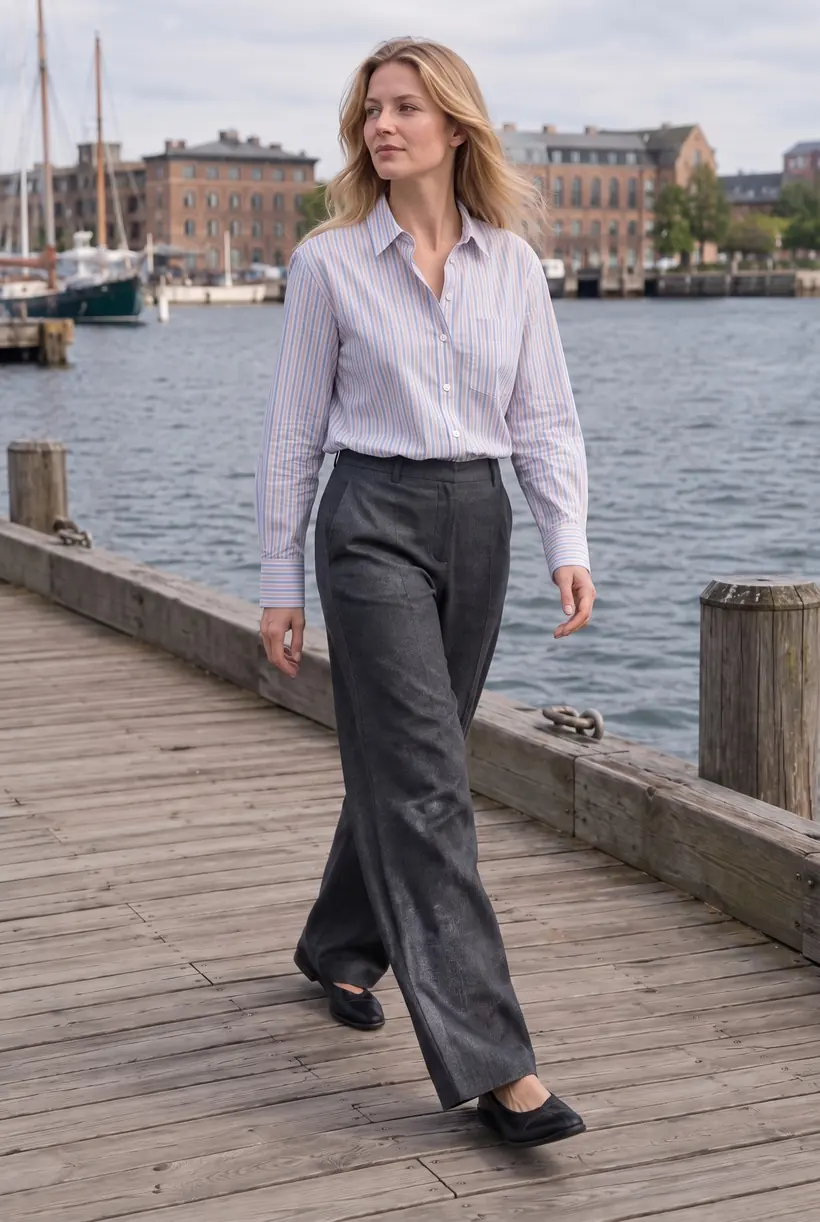
AI product photos for Shopify
What AI product photos are, what they cost, and how to get them onto your products.Packshots and flat lays with AI
Clean packshots and styled flat lays from a quick phone photo, and when to use each.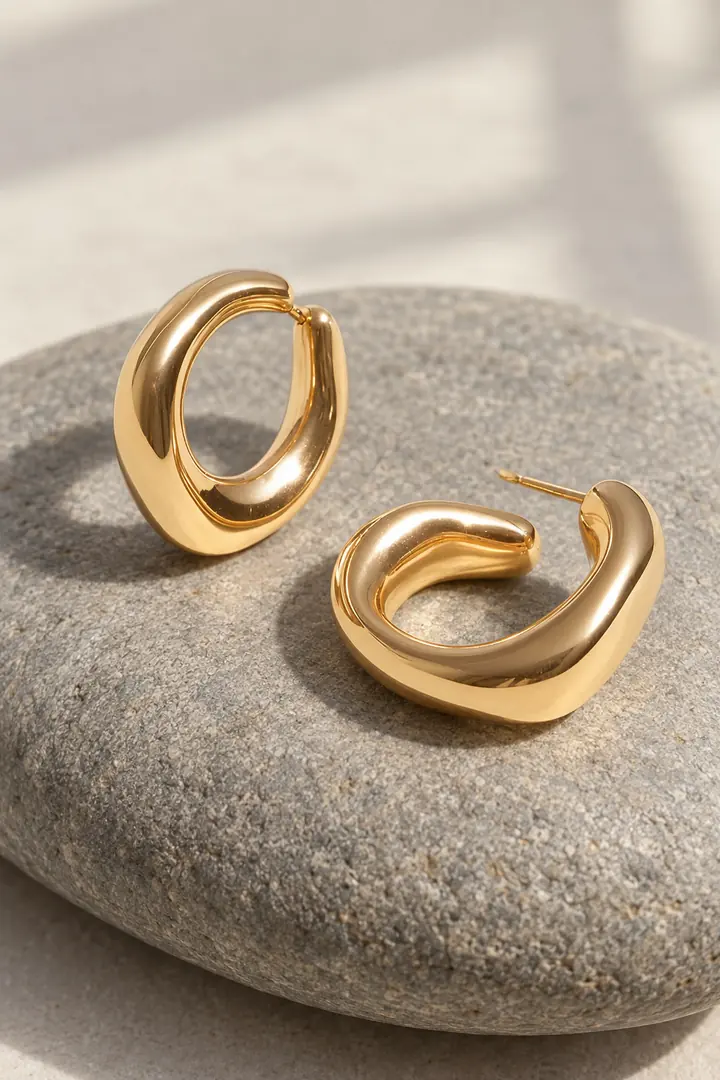
Jewelry photos that sell
Still life, close-up and worn shots for rings, earrings and necklaces.Make your first AI product photos today.
Free plan with 15 credits. No credit card.
Install on Shopify