Guide
Jewelry product photos that sell: still life, worn and close-up shots
Jewelry is small, shiny and hard to judge online. The right mix of shots answers the questions shoppers have: what it looks like, how big it is and how it looks when worn.
Updated · 4 min read · By the Brand Studio team
Why jewelry is hard to photograph
Most jewelry is a few centimeters across, reflects everything around it and depends on tiny details: the setting of a stone, the links of a chain, the finish of the metal. On a phone screen, a shopper cannot pick it up and turn it over. Your photos have to do that for them.
That is why good jewelry stores rarely rely on one photo. They show the piece on its own, the piece being worn and a close-up of the detail that makes it special.
The shots every jewelry product needs
A clean packshot on white is still useful for collection grids and shopping ads. Our packshot guide covers that side.
Taking the source photo
The source photo is where most jewelry results are won or lost. The AI needs to see the real shape, the real stones and the real metal color.
- Use a matte, plain surface, like paper or a cloth. Shiny surfaces add reflections.
- Use soft daylight from a window. Direct sun and flash make hard glare that hides the stone.
- Get close, but stay sharp. Most phones blur when you get too close. Step back a little and crop later.
- Take a close-up of the stone, the clasp or an engraving.
- Take a scale photo, for example the ring in your hand or the earrings next to a coin, when size is hard to judge.
Brand Studio has room for up to four source photos per product: front, back, close-up and scale. For a pair of earrings, a front photo of both and a close-up of one is a good start. More tips are in our phone photo guide.
Surfaces and styling
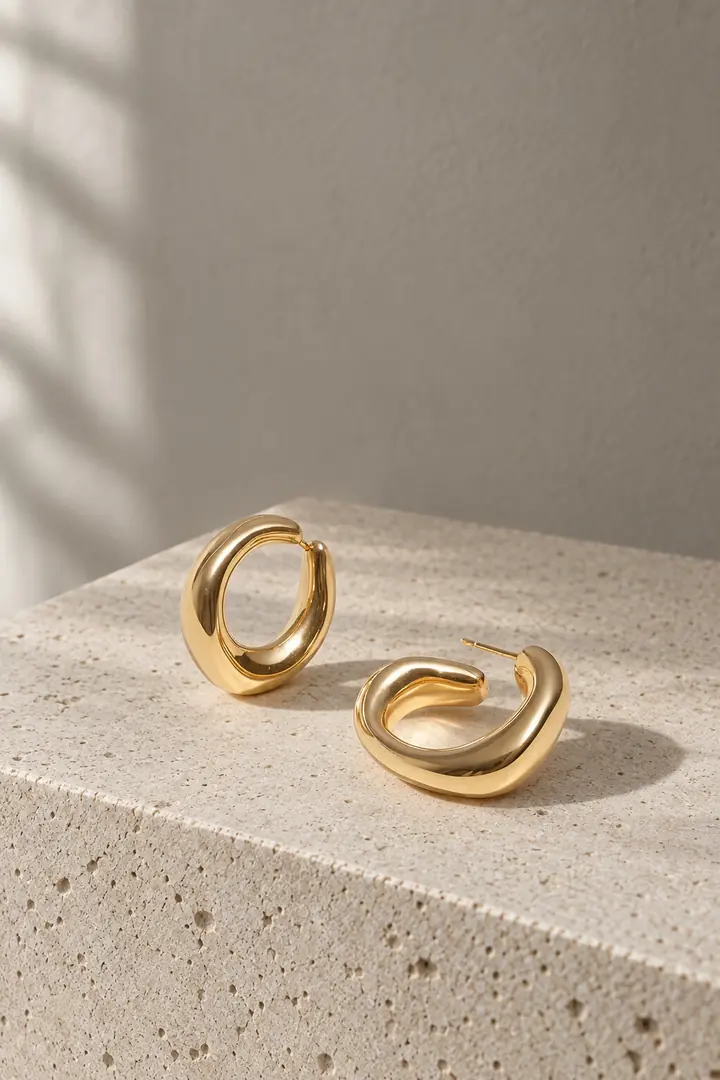
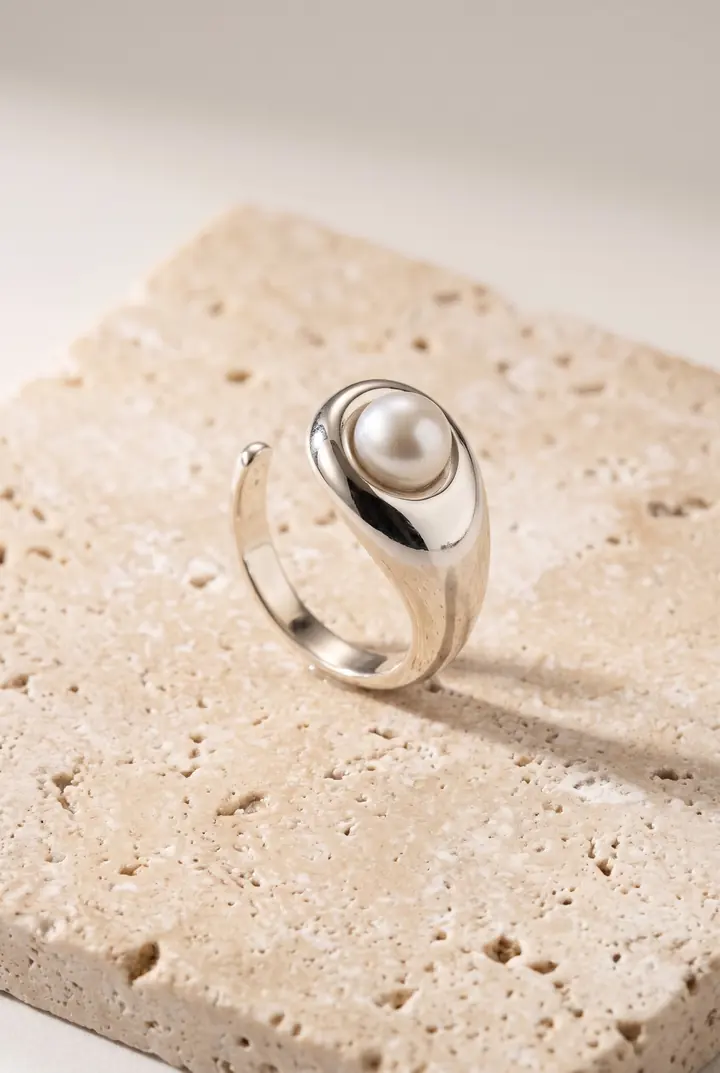
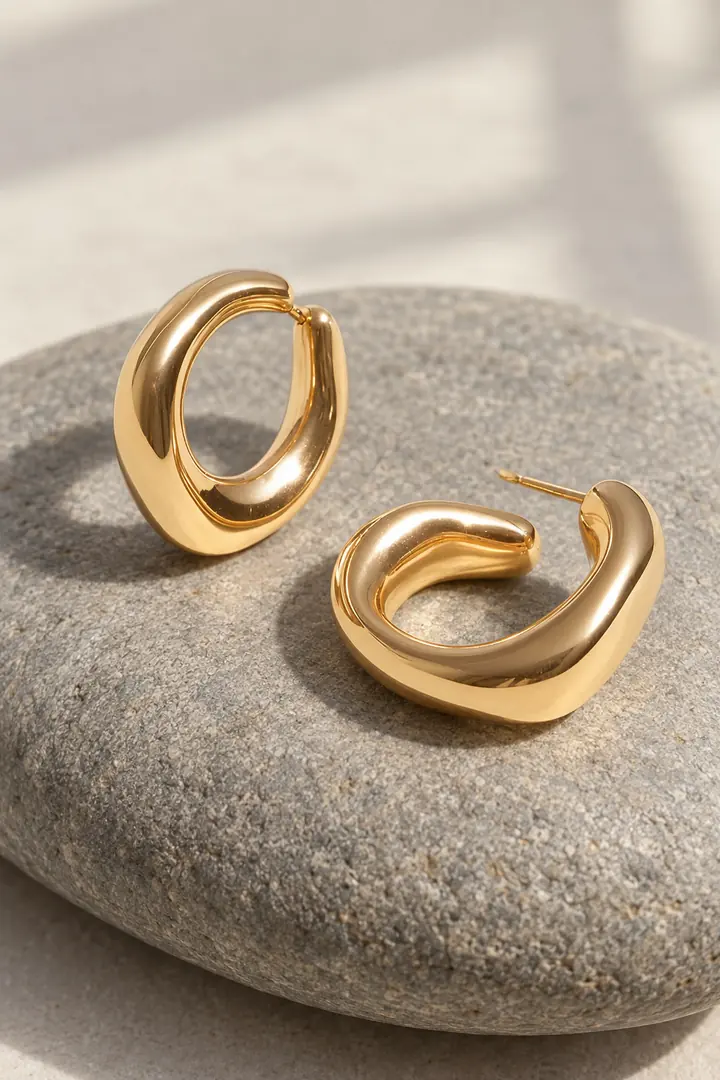
The surface tells shoppers what kind of brand you are before they read a word. Pick one or two and use them across a collection.
| Surface | Feels | Good for |
|---|---|---|
| Limestone and travertine | Calm, natural, premium | Gold, pearls, minimal pieces |
| Smooth river stone | Organic, soft | Hoops, chunky gold, silver |
| Linen | Warm, everyday | Delicate chains, charms |
| Plain white | Clean, neutral | First photos, grids and ads |
Worn shots and scale
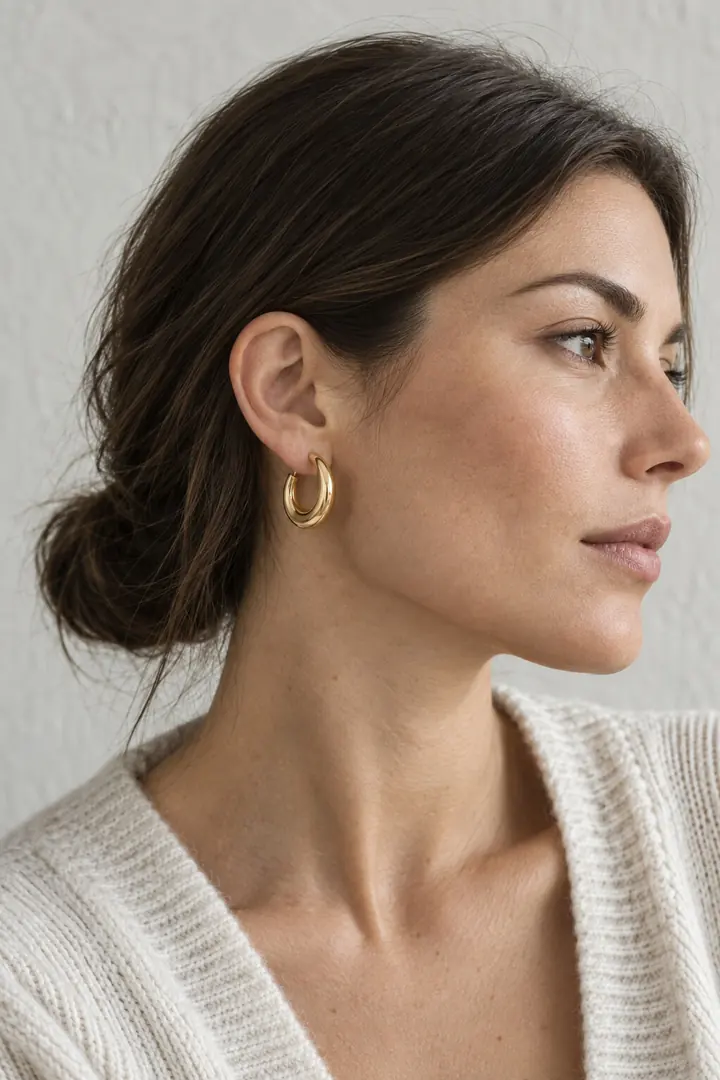
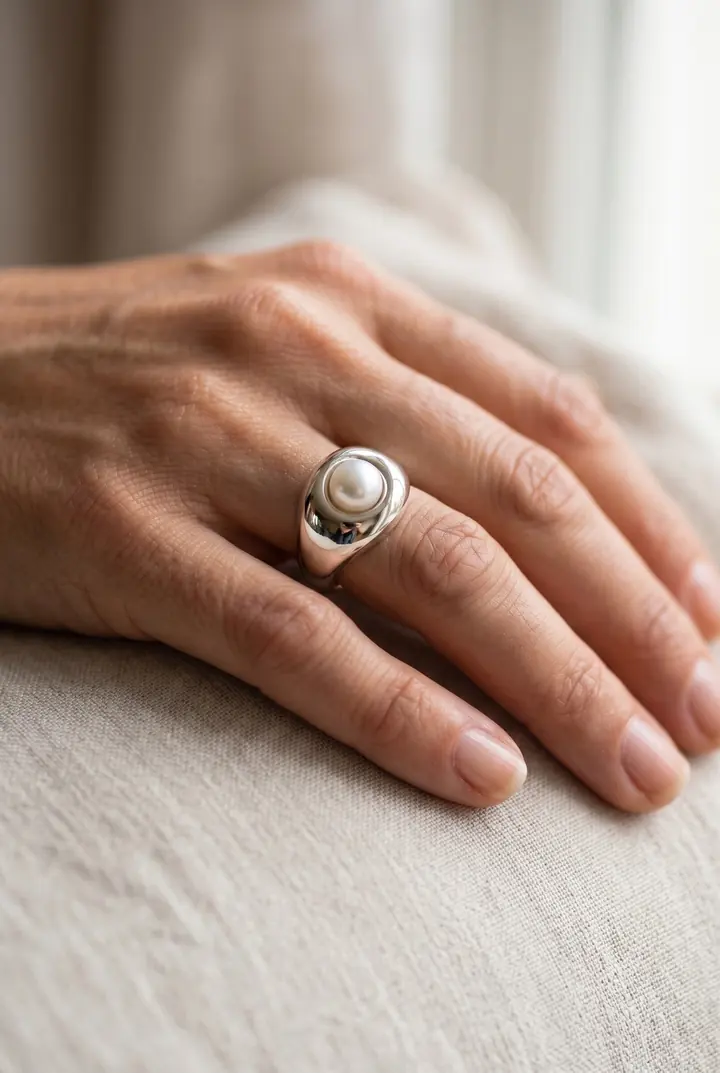
Size is the most common question about jewelry, and a worn shot answers it faster than any measurement. A ring on a hand, earrings on an ear, a necklace at the collarbone: shoppers read size from the body instantly.
- Keep the worn shot simple: skin, hair and a plain top, so the piece stays the focus.
- Show the piece at a natural size. A worn shot that makes a small pendant look large sets the wrong expectation.
- Use the same model across a collection so shoppers compare pieces, not faces. A ready-made model or your own brand model both work.
- Still list the real measurements in the product description.
Details to check before you publish
Small details are where AI photos are most likely to drift, and in jewelry those details are the product. Zoom in on every photo and compare it with the real piece:
- Number and shape of stones. Three stones must stay three stones.
- Setting and prongs. Bezel, claw or pavé should match the real piece.
- Metal color. Yellow gold, rose gold and silver can shift in warm light.
- Chain and links. Link shape and thickness should match.
- Engraving and hallmarks. Lettering must read exactly as on the piece, or be left out.
- Pairs. Both earrings should be the same piece, mirrored where they are made that way.
If a photo gets a detail wrong, skip it, or run it again with an instruction in plain words, like “keep the three small stones”. Nothing reaches your store until you choose Add to store.
FAQ
What is the best background for jewelry photos?
For the first photo in grids and ads, plain white or a light neutral works best. For the rest, natural surfaces like stone or linen give a calm, premium look. Use the same ones across a collection.
How do I show the size of a piece?
Add a worn shot, such as a ring on a hand or earrings on an ear, and list the real measurements in the description.
Can AI photos handle shiny metal and stones?
They can, but small details like stones and prongs are where mistakes happen. A sharp close-up source photo helps, and you should check every photo before you publish it.
Do worn shots cost more?
Only when you pick one of your models or a ready-made model for the shot. Those photos use twice the credits of product-only photos. The app shows the cost before you start.
Related guides
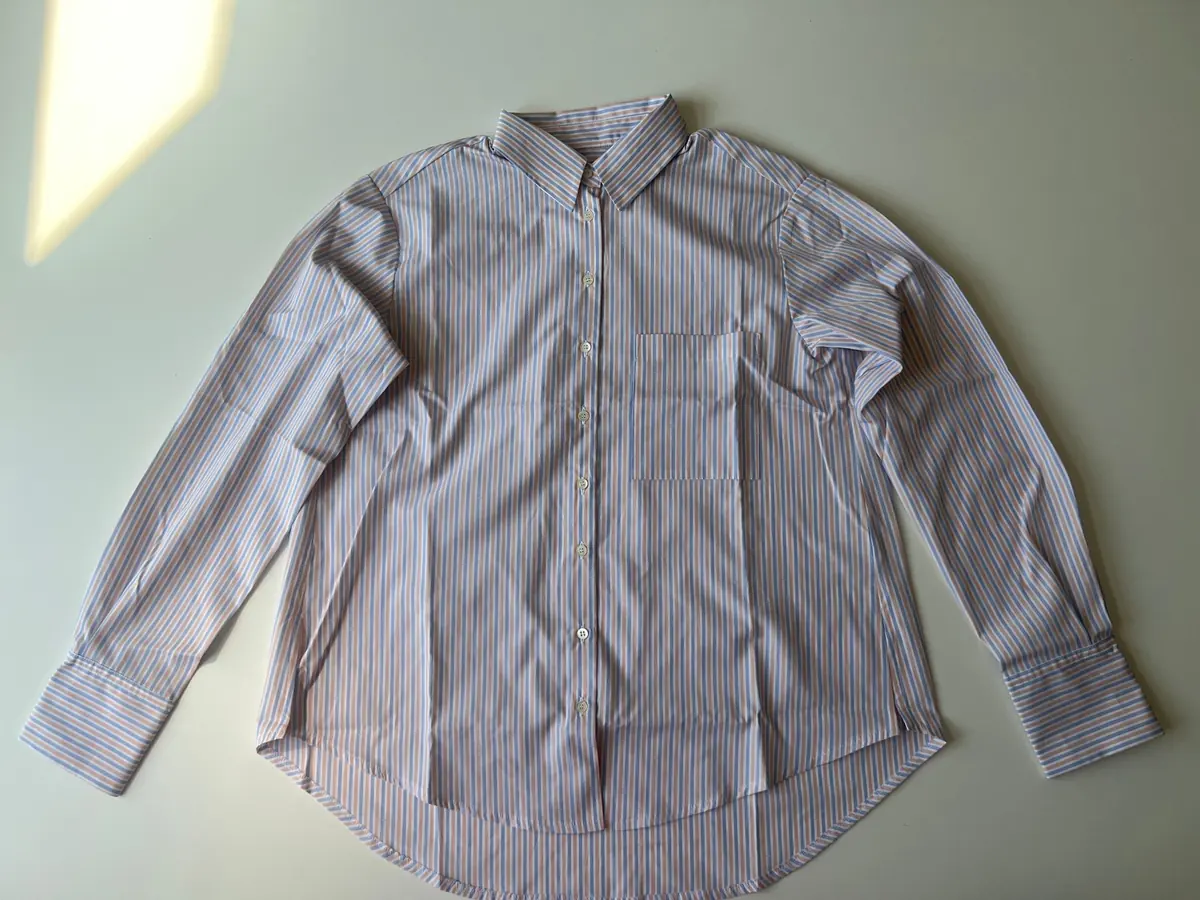
Take a source photo with your phone
Light, angle and background tips that give the best AI results.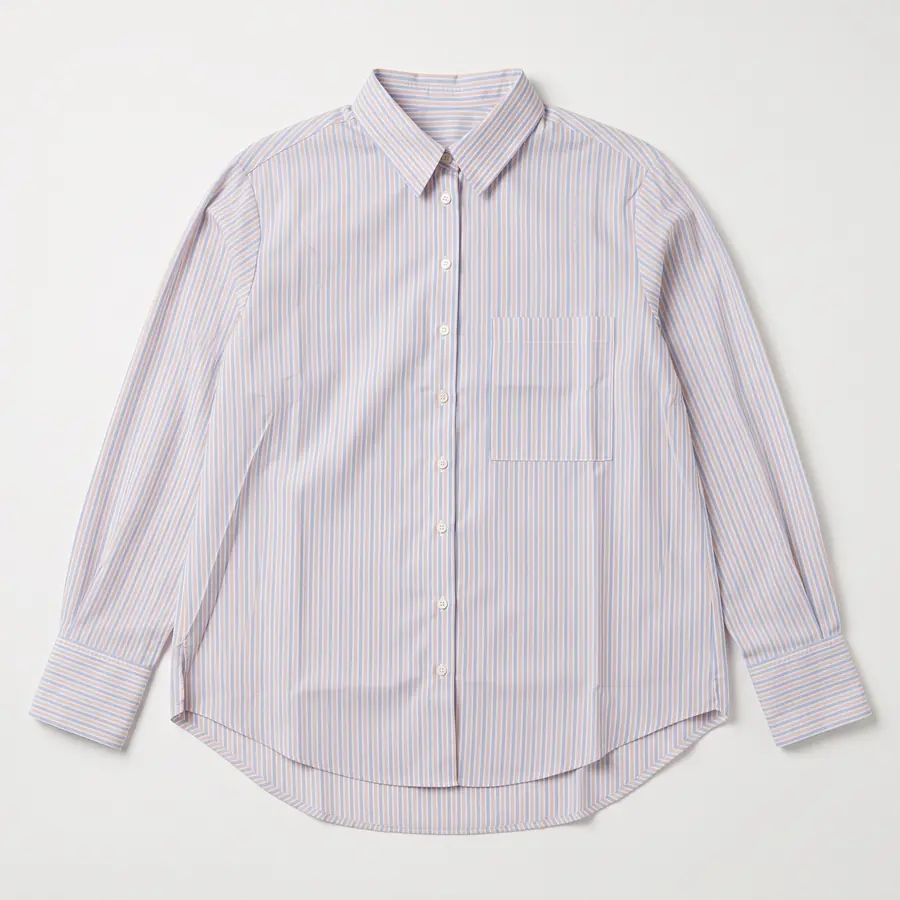
Packshots and flat lays with AI
Clean packshots and styled flat lays from a quick phone photo, and when to use each.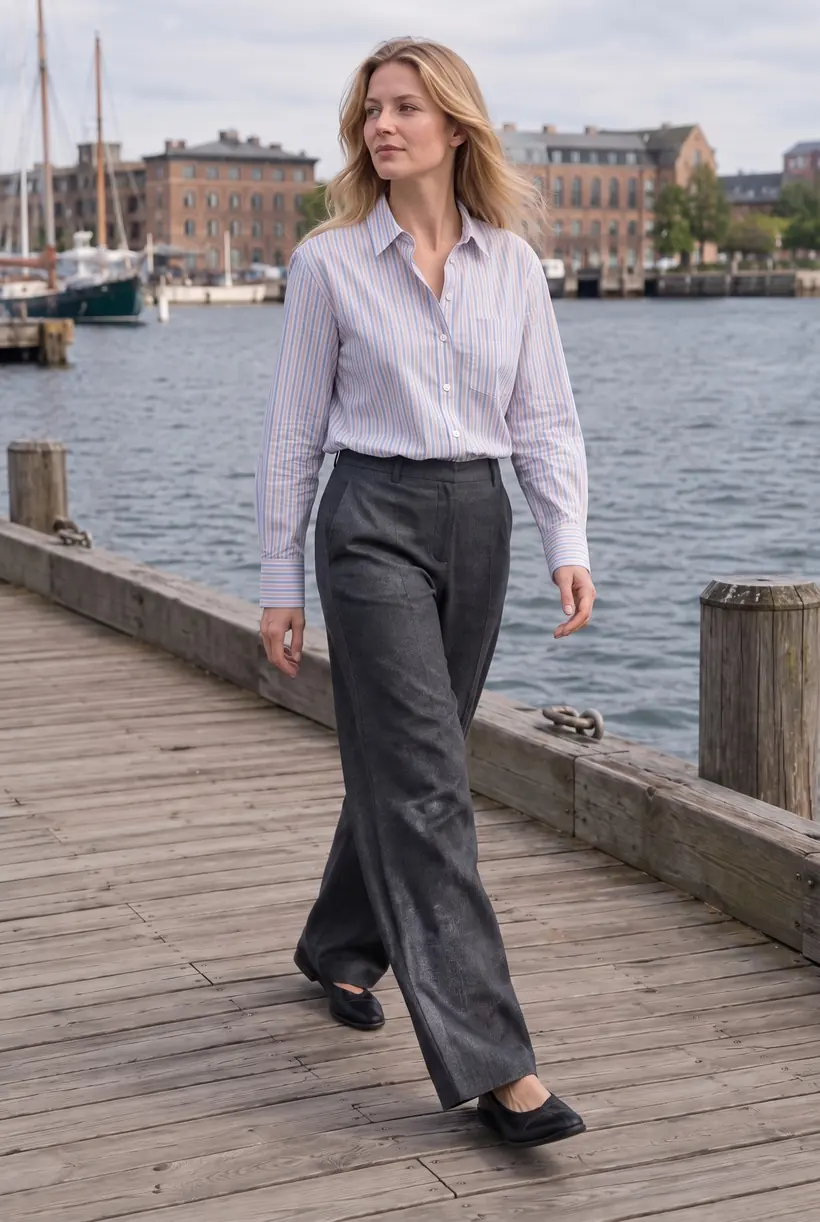
AI product photos for Shopify
What AI product photos are, what they cost, and how to get them onto your products.Make your first AI product photos today.
Free plan with 15 credits. No credit card.
Install on Shopify