Comparison
How to choose an AI product photo app for Shopify
There are many AI photo tools, and they are built for different jobs. This guide sorts them into kinds, lists what to check, and gives you a fair way to test them on your own products.
Updated · 5 min read · By the Brand Studio team
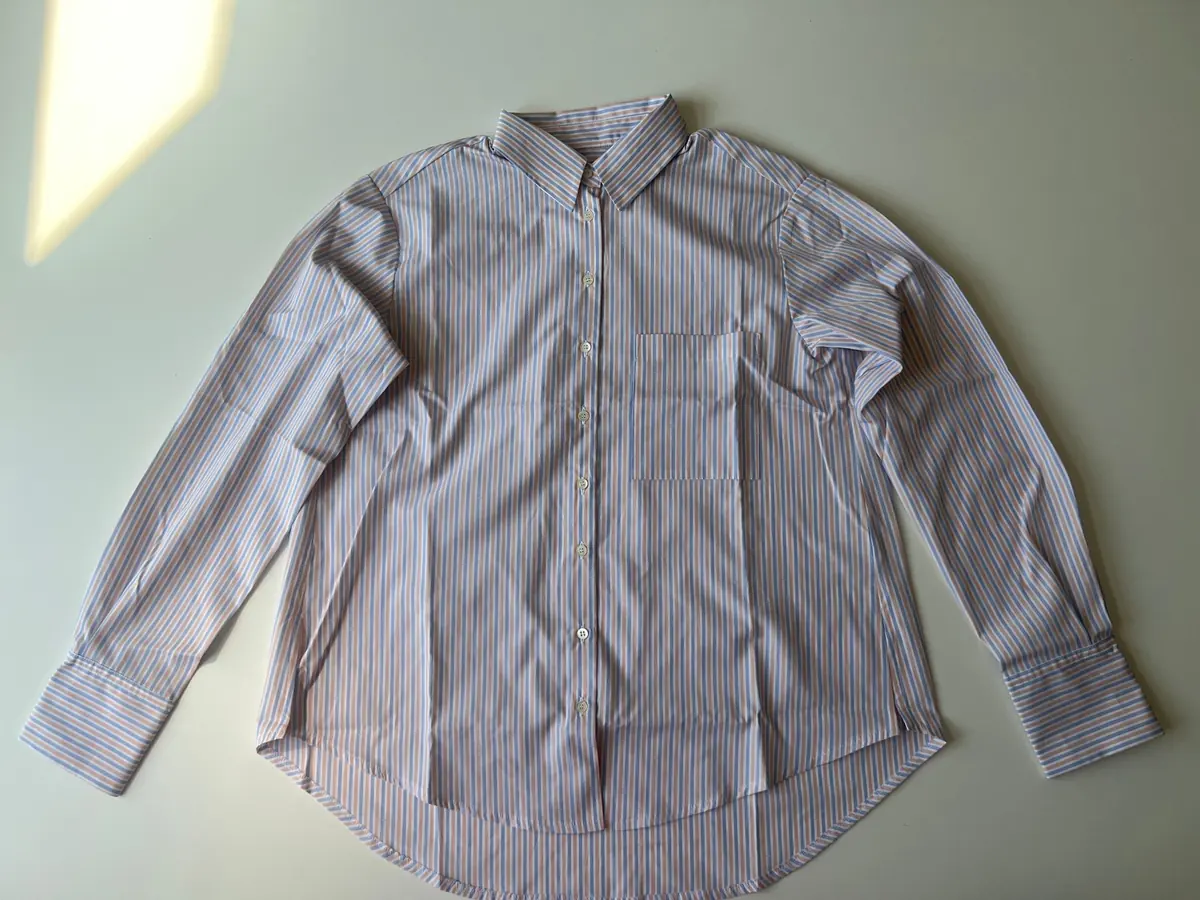

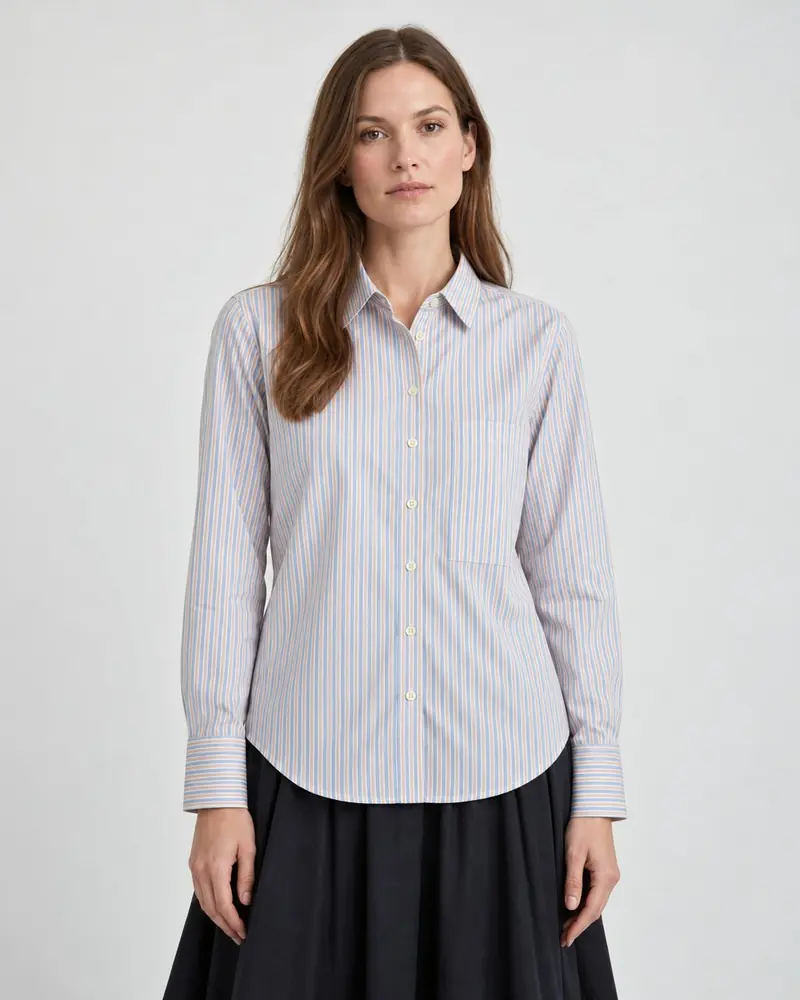
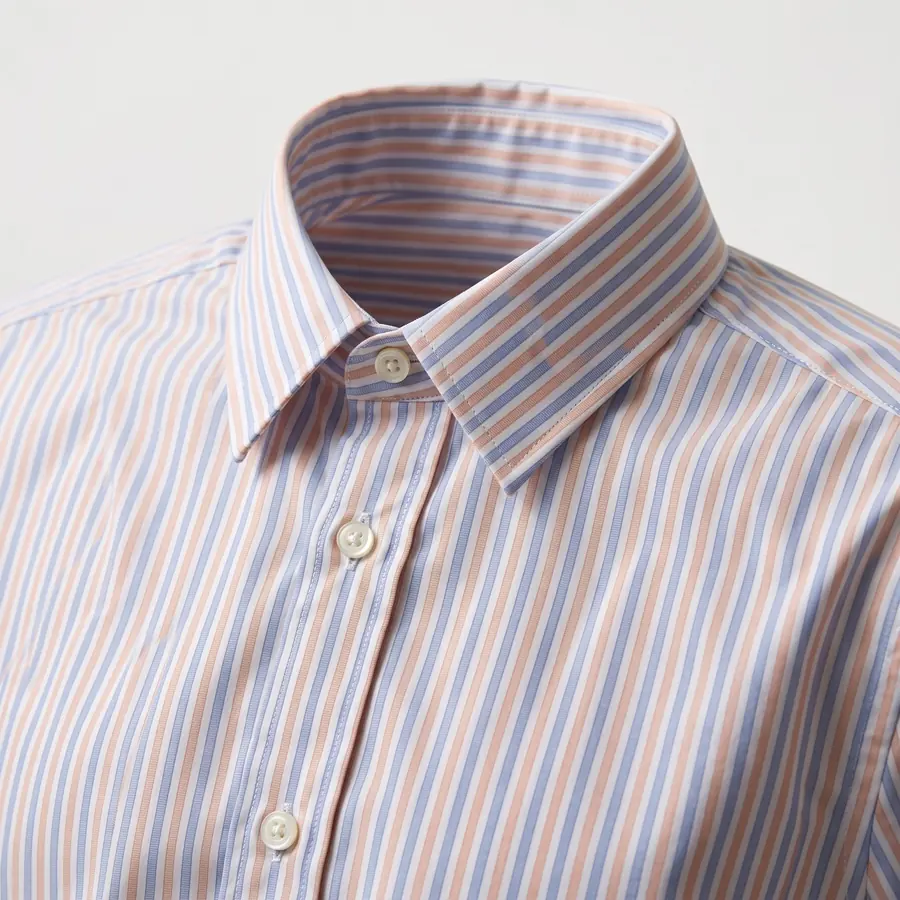
The main kinds of AI photo tools
Most tools a Shopify merchant will come across fall into one of these groups. Many products mix two or more, so think of these as jobs rather than strict categories.
| Kind of tool | Good at | Less suited to |
|---|---|---|
| General AI image generators | Any image you can describe, ideas and mood boards | Keeping a specific product identical. You write prompts and move files by hand |
| Background removal and replacement | Clean packshots, swapping a background, keeping product pixels untouched | On-model and location shots |
| AI model and try-on tools | Putting clothing on a person | Non-clothing products and catalog shots |
| AI product photo apps for Shopify | Several shot types from your product photos, saved back to your products | Varies by app. Check how well each keeps your product the same |
| Photographer or studio | Full control, real fabric on a real person | Cost and lead time for every new product |
None of these is the right answer for every store. A brand that launches two hero products a year may want a photographer. A store adding new products every week usually needs something faster.
What to check in any AI photo app
1. Does the product stay the same?
This matters more than anything else. A beautiful photo of a slightly different product causes returns and complaints. Look closely at prints, buttons, logos, stones and colors in every result.
2. Which shots can it make?
List the shots your product pages need: packshot, on-model, flat lay, location, close-up, worn. Check that the app covers the ones you use most, for the product types you sell.
3. Can you keep a consistent look?
A catalog looks like a brand when every product gets the same background, light and model. Look for reusable sets of shots and a way to keep the same model across products.
4. How does it fit into Shopify?
Downloading and re-uploading photos adds up over a catalog. An app that reads your product photos and saves results back to the product saves that time. Check that nothing goes live on your store without your say.
5. How is it priced?
Compare the real cost per photo you keep, not just the monthly price. Check whether higher resolution or model photos cost more, whether failed photos are charged, and whether you see the cost before you start.
6. Rights, data and disclosure
Read the terms for commercial use of the photos, how long your uploads are kept and whether they are used to train models. If your market or ad platforms ask you to disclose AI images, check whether the app can add a label.
A fair test you can run in an afternoon
- Pick three products: an easy one, one with a pattern or print, and one with a small detail that must be right, like a logo or a clasp.
- Take the same source photos for all three and use them in every app you test. Our phone photo guide shows how.
- Ask each app for the same shots: a packshot, an on-model or worn shot, and a close-up.
- Score every photo with the questions below, and note the cost per photo you would keep.
| Question | Score 0 to 2 |
|---|---|
| Is the product exactly the same: color, print, details? | 0 = changed, 2 = identical |
| Would you put this photo on your product page as it is? | 0 = no, 2 = yes |
| Do the three products look like one catalog? | 0 = no, 2 = yes |
| How long did it take from upload to photo on the product? | Note the minutes |
Most apps have a free plan or trial, so a test like this usually costs little more than your time. Write the scores down. It is easy to remember the prettiest photo instead of the most accurate one.
Where Brand Studio fits
Brand Studio is an AI product photo app that runs inside your Shopify admin. We built it around the first question on the list: keeping your product the same. Here is what it does, so you can compare it with your checklist:
- Packshot, on-model, flat lay, location, still life and close-up shots, from up to four source photos per product.
- Ready-made photo sets for clothing, jewelry, home and other product types, plus your own photo sets.
- Ready-made models, or your own brand model, to keep the same face across your catalog.
- Add to store saves the photos you choose to the Shopify product. Nothing goes live until you choose.
- Credits per photo: 2 at Quality 1K, 3 at Quality 2K, twice that with a model. You see the cost first, and failed photos are refunded automatically.
- An optional visible AI label when you save photos.
Like any AI tool, it can still get a small detail wrong, so review every photo before you add it to your store. The Free plan has 15 credits, enough to run the test above on a few products.
FAQ
What is the best AI product photo app for Shopify?
The one that keeps your products the same and makes the shots you need at a cost per photo that works for you. The only reliable way to know is to test a few on your own products.
Can I use a general AI image generator instead?
You can, but general tools are not built to keep a specific product identical, and you move every file by hand. They are better for ideas and mood images than for product pages.
Is a photographer still worth it?
For hero campaigns and brand stories, often yes. Many stores use a photographer for a few key images and AI photos for the rest of the catalog.
How do I compare prices between apps?
Work out the cost per photo you actually keep, including higher resolution and model photos. Check whether failed photos are charged.
Related guides
AI product photos for Shopify
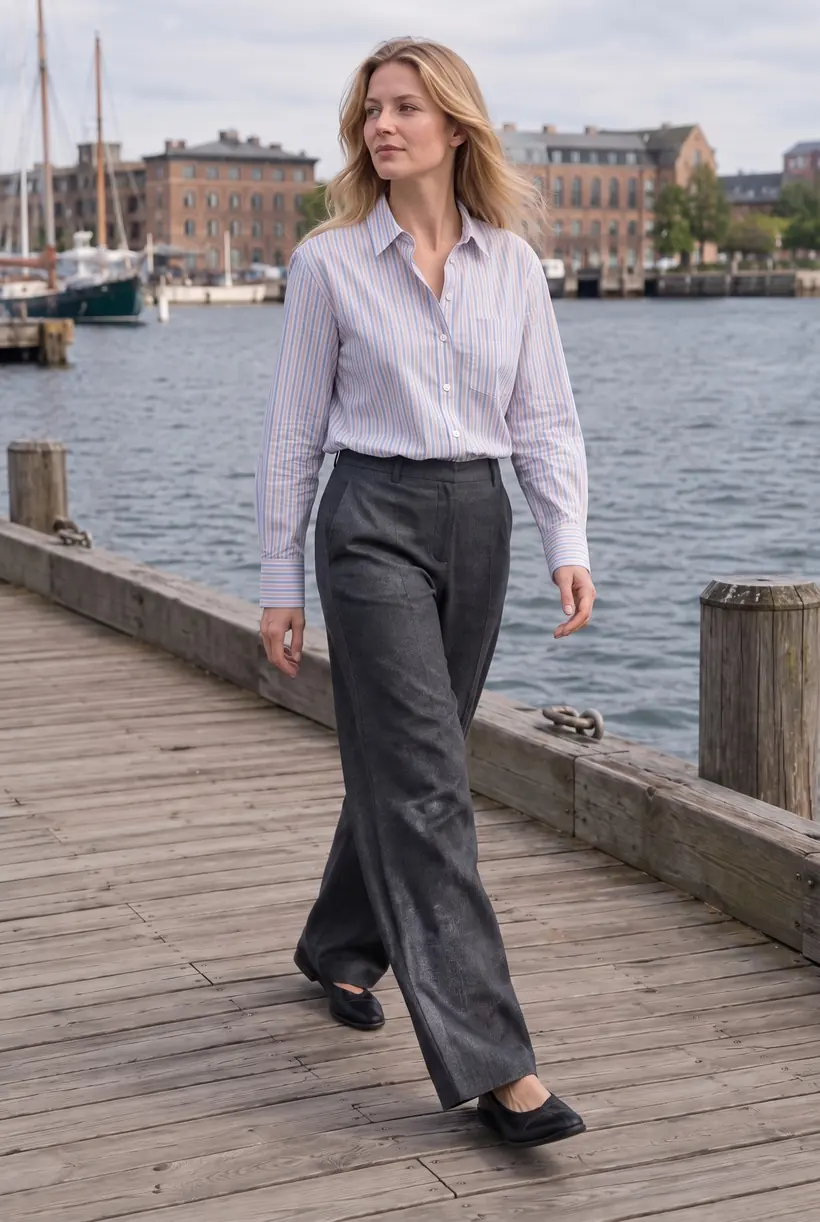
What AI product photos are, what they cost, and how to get them onto your products.On-model photos without a photoshoot
Show clothing on a person without booking a model, a studio or a photographer.Take a source photo with your phone
Light, angle and background tips that give the best AI results.Make your first AI product photos today.
Free plan with 15 credits. No credit card.
Install on Shopify