AI product photography for Shopify
One product photo.
A whole photoshoot.
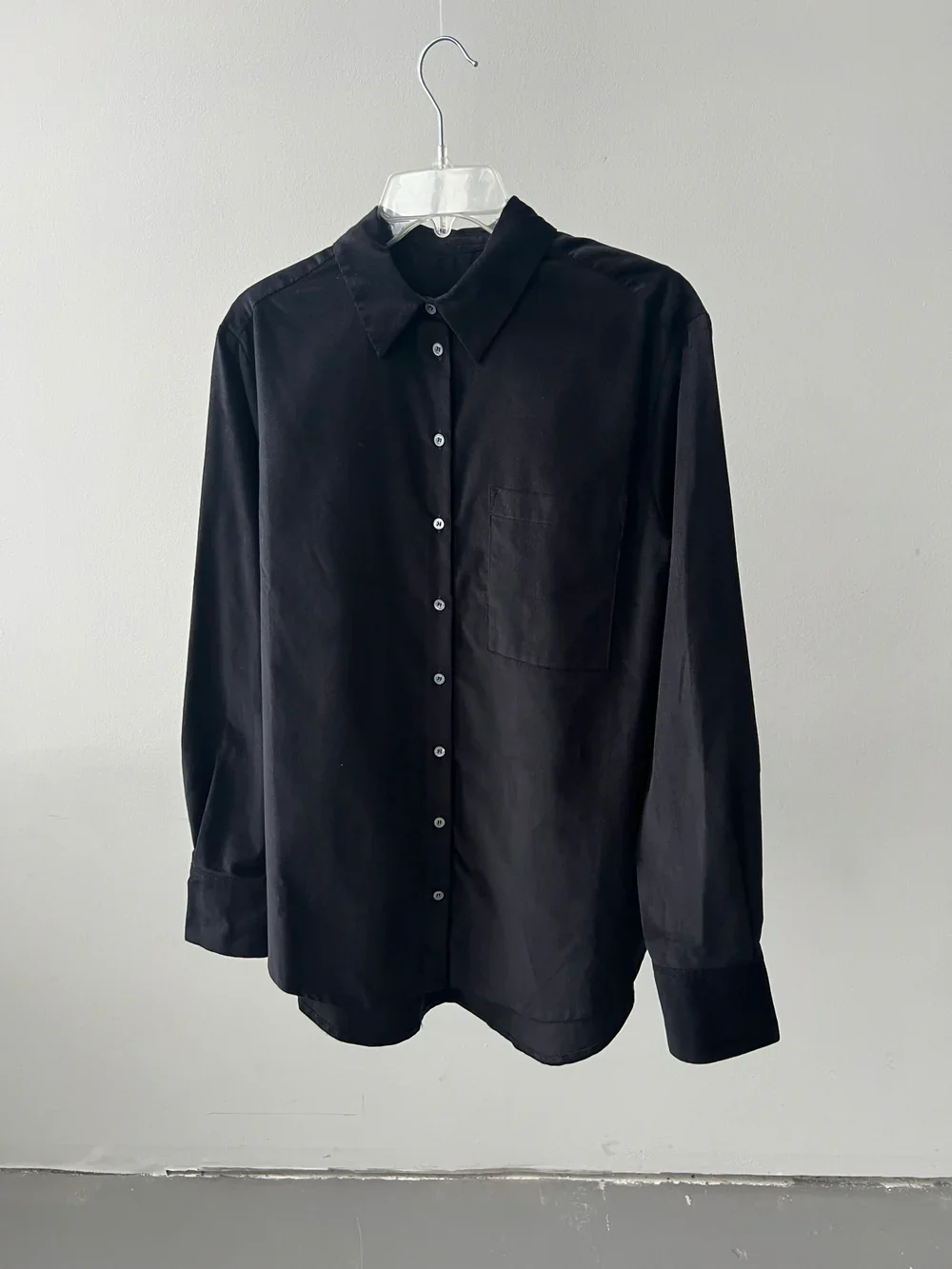
Add the photo you already have, even a quick one from your phone. Brand Studio turns it into studio, location and detail shots of that same product, and puts the ones you keep on your Shopify product.
15 free credits. No credit card. Billed through Shopify.
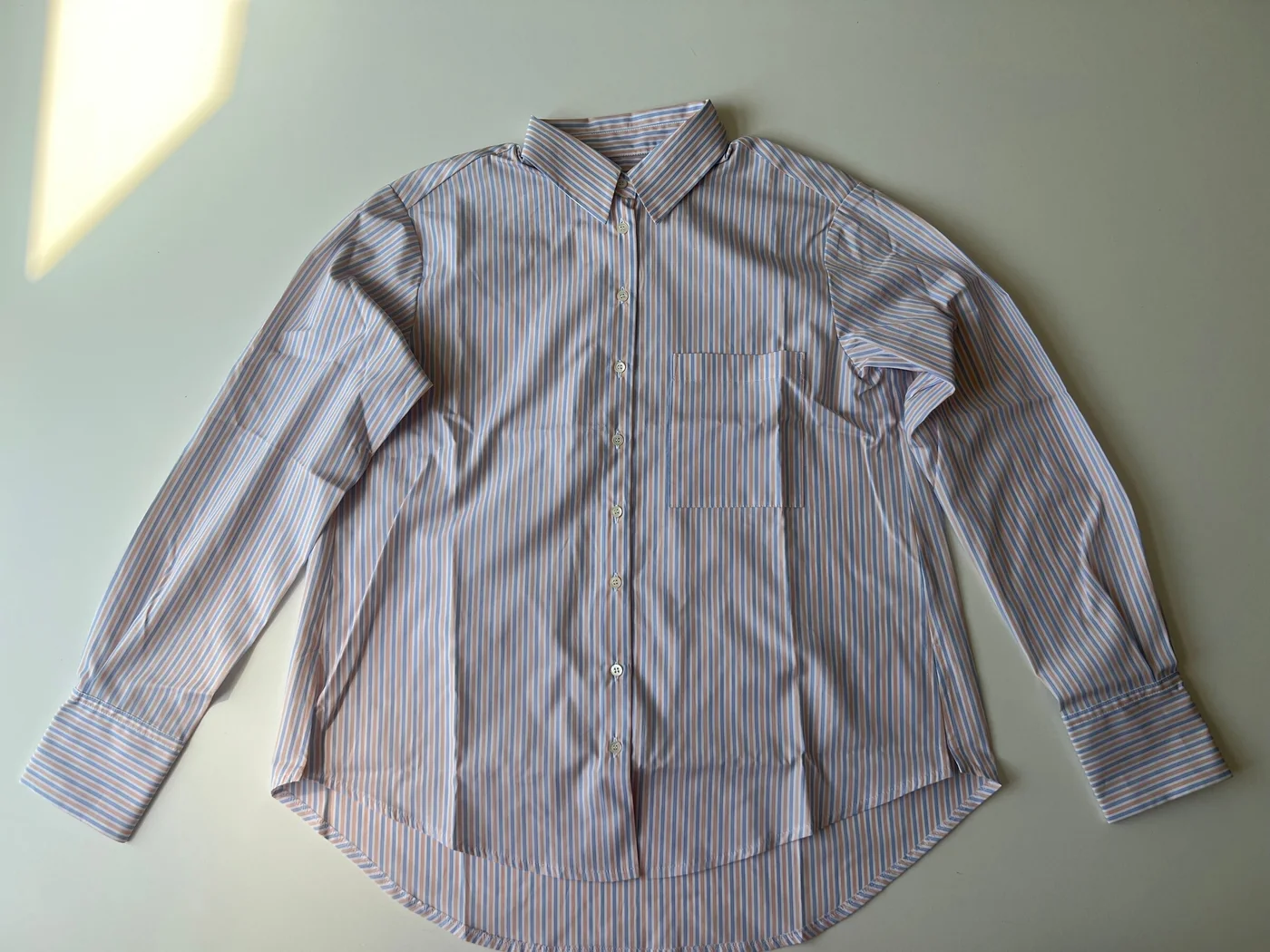 Your photo
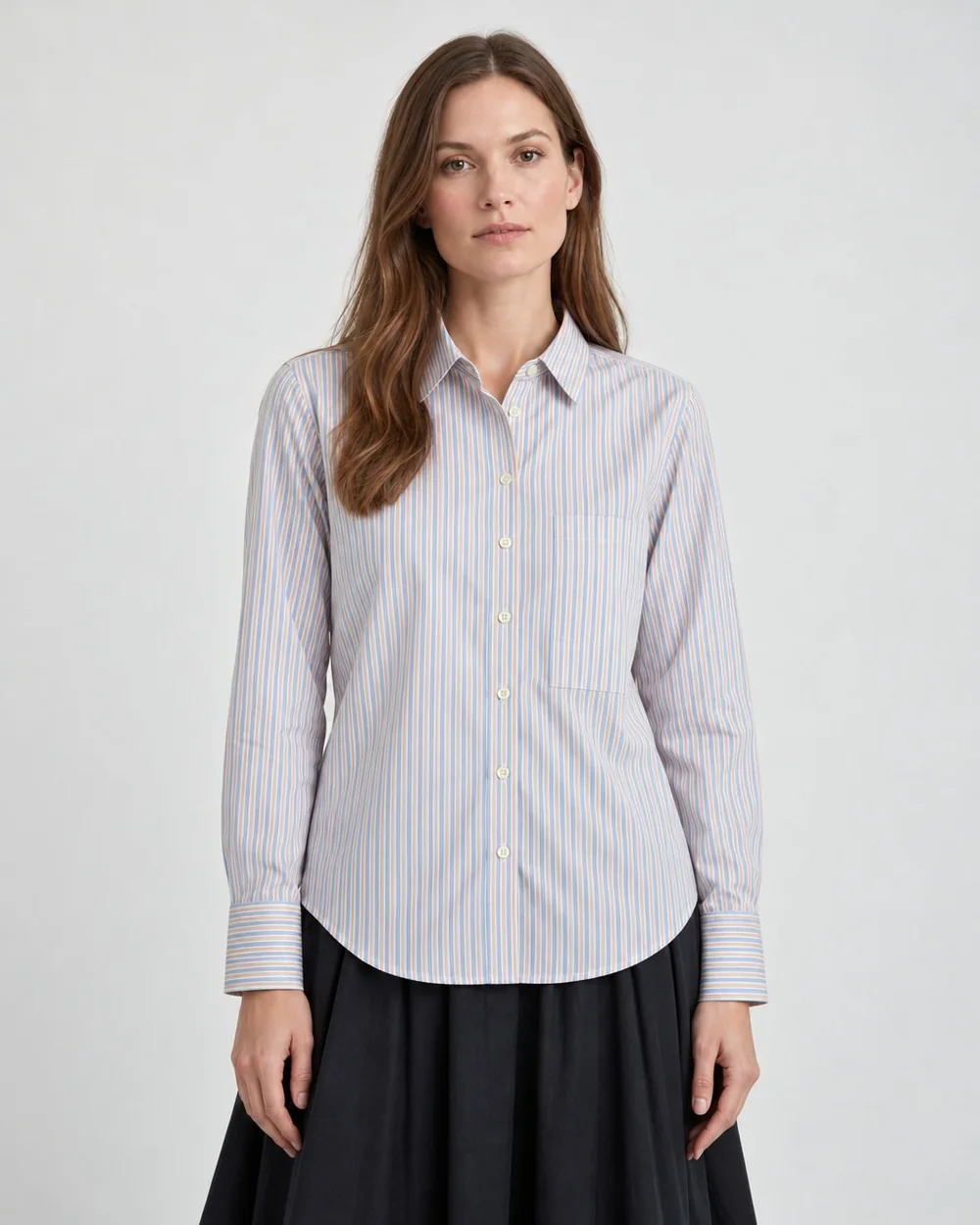 Studio
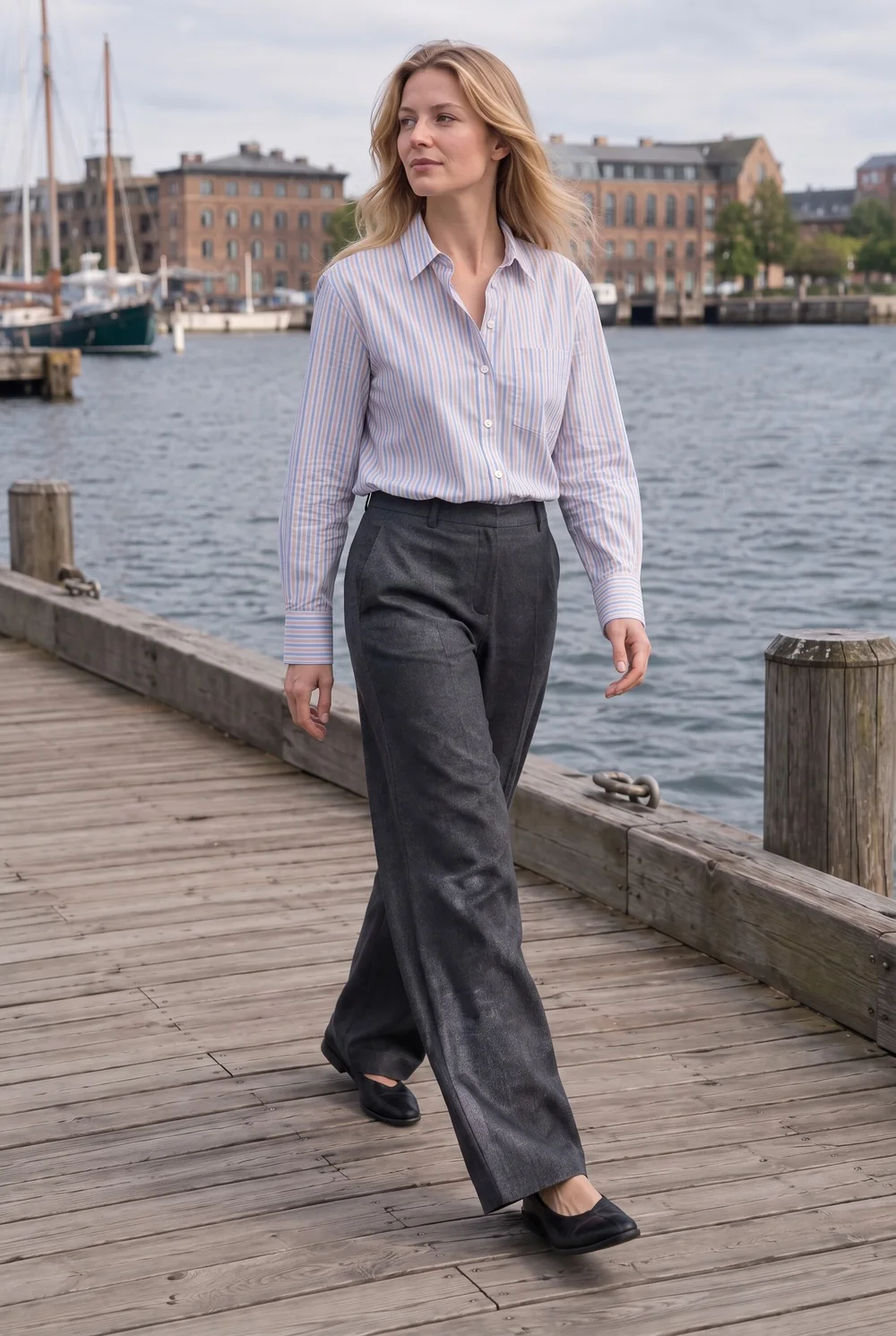 Location
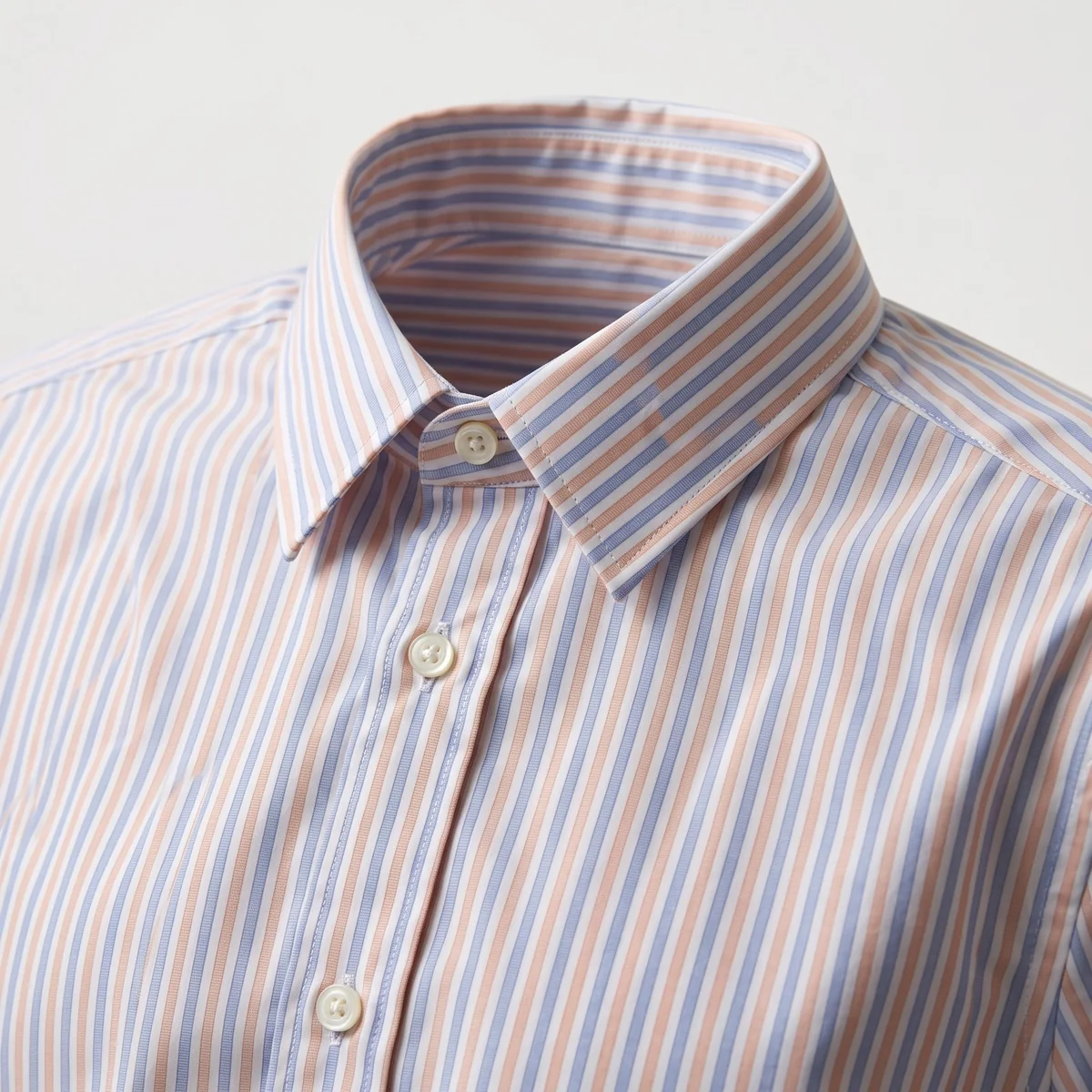 Close-up
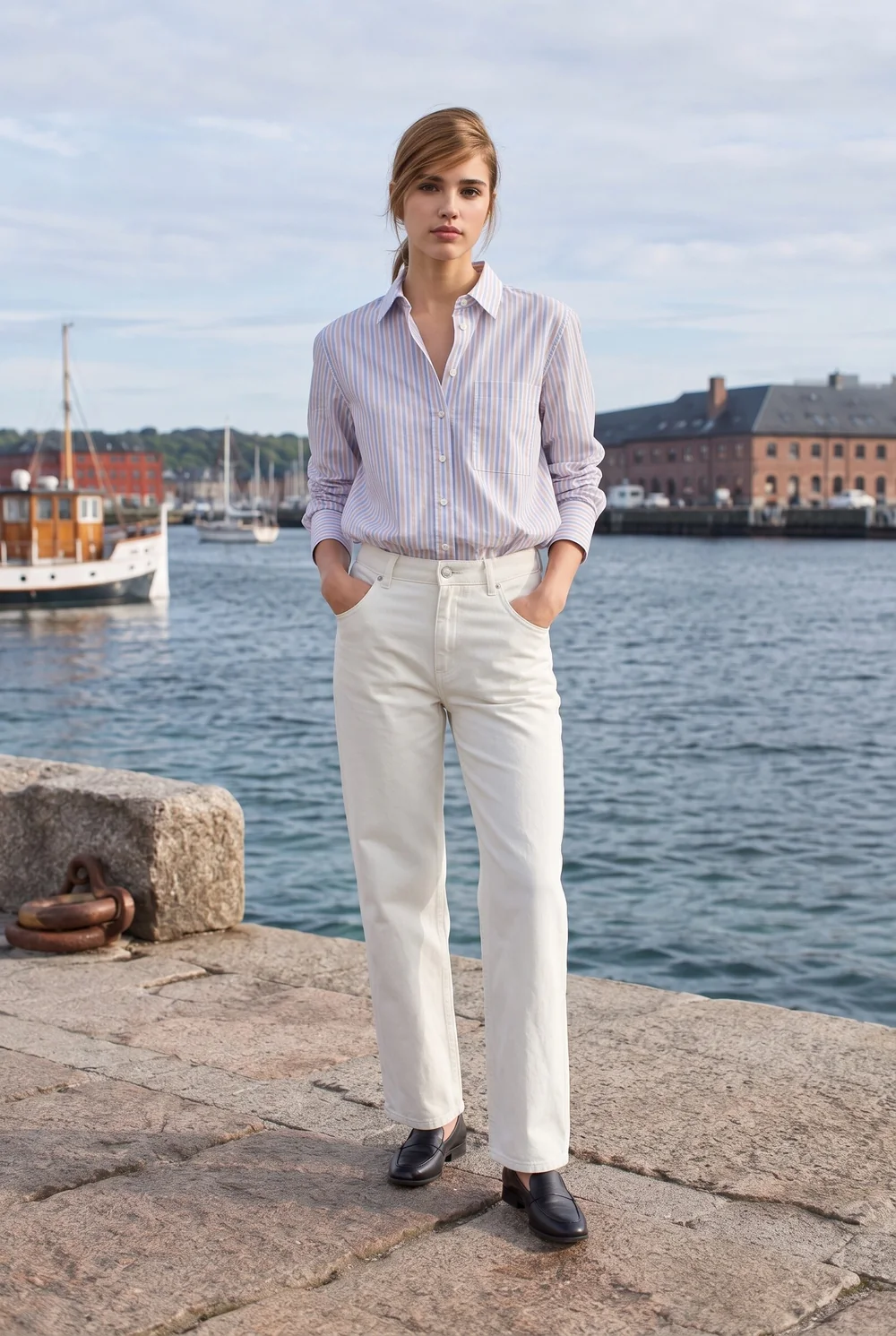 Harbor
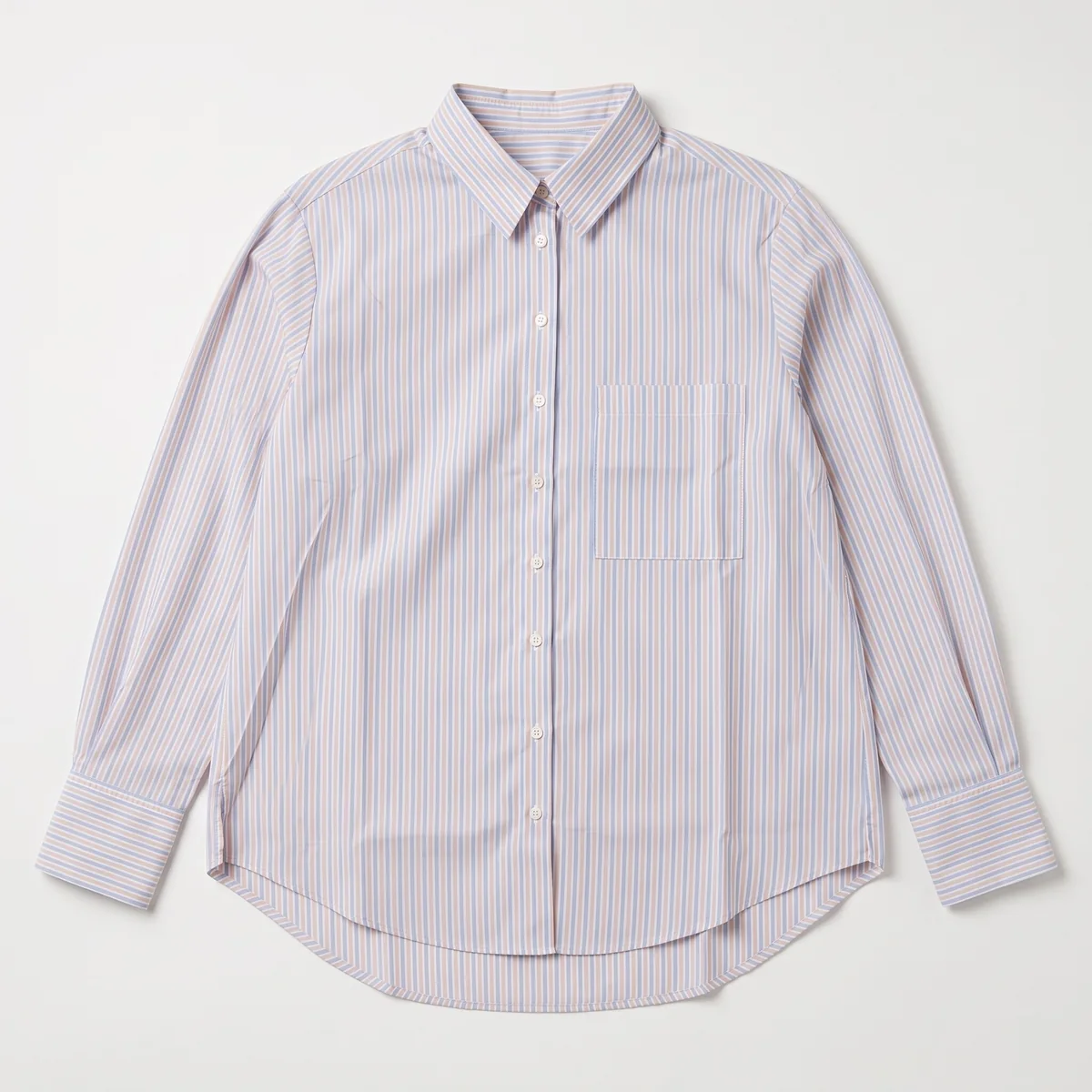 Packshot
Showing Clothing
Selected work
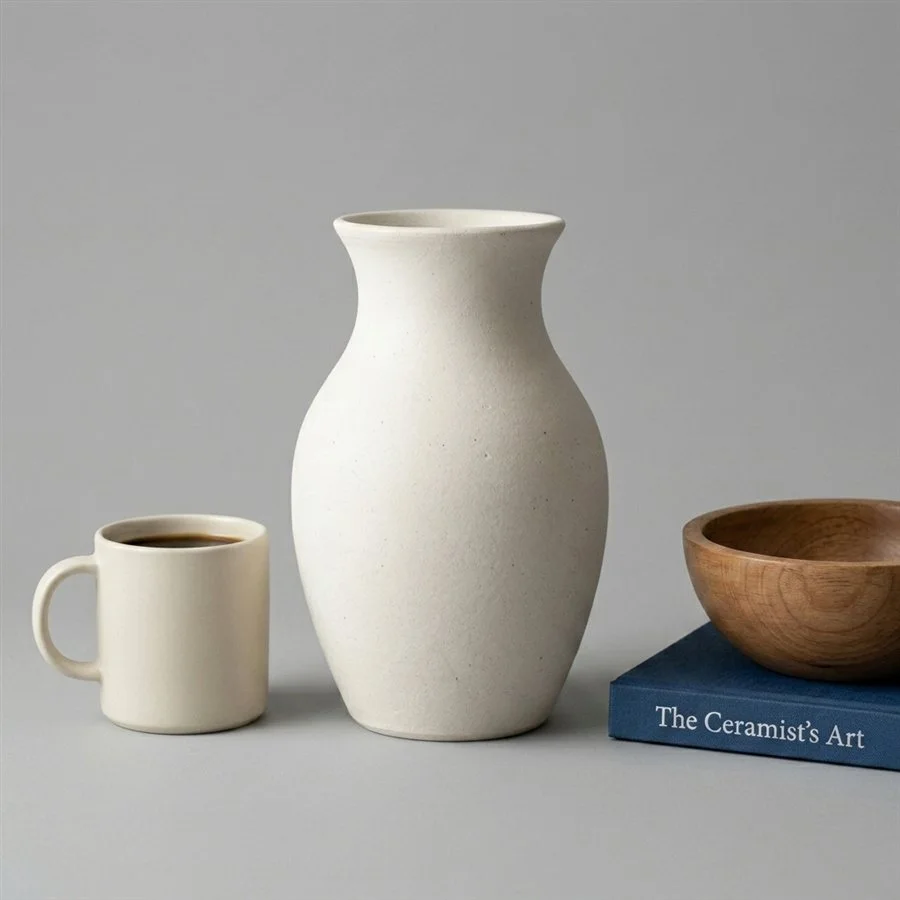
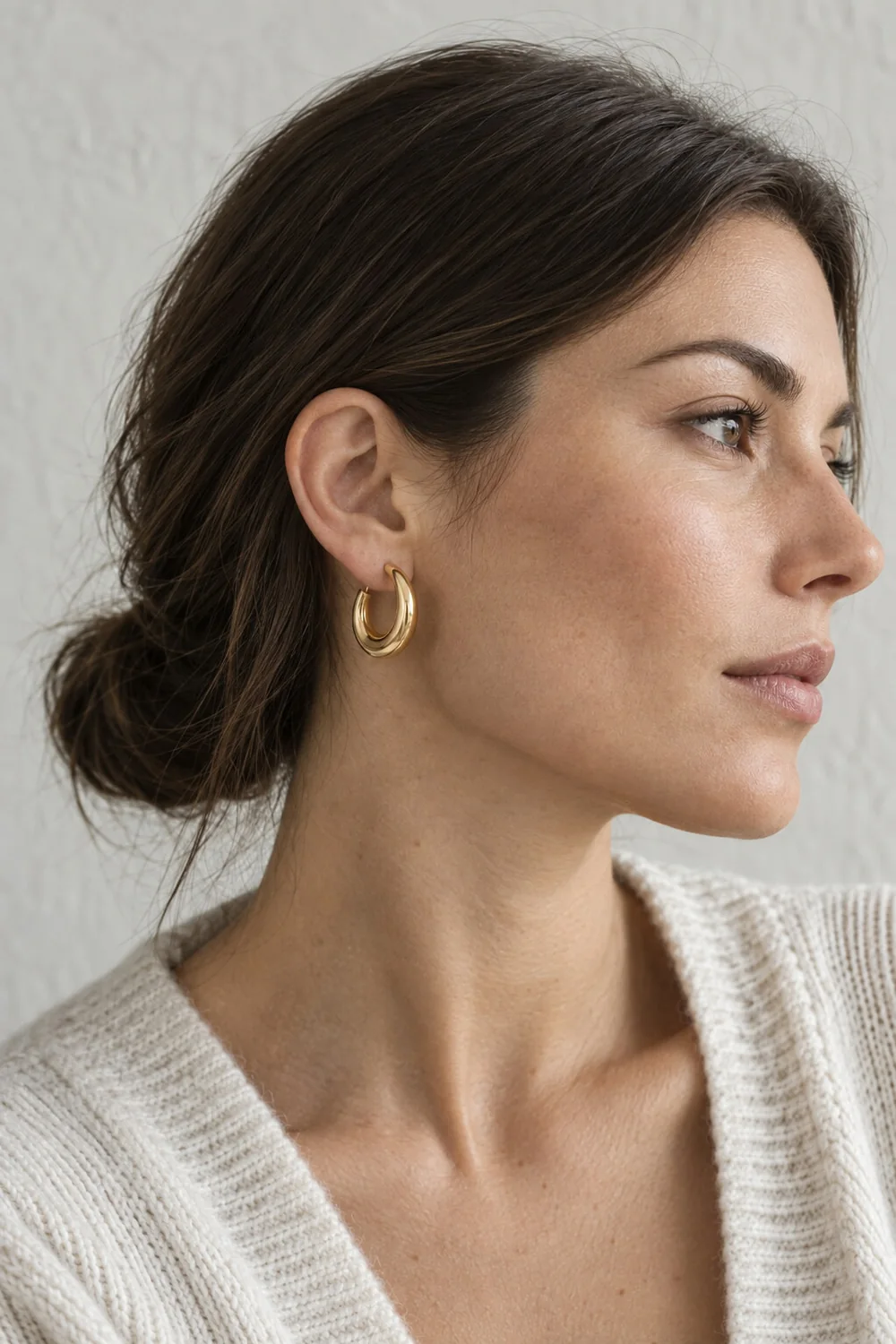
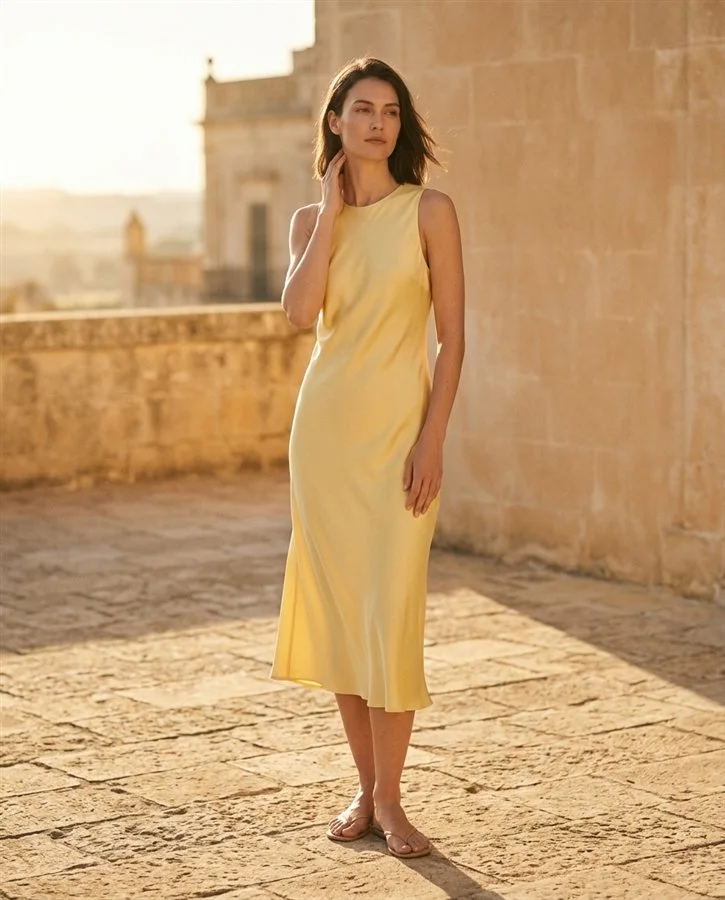
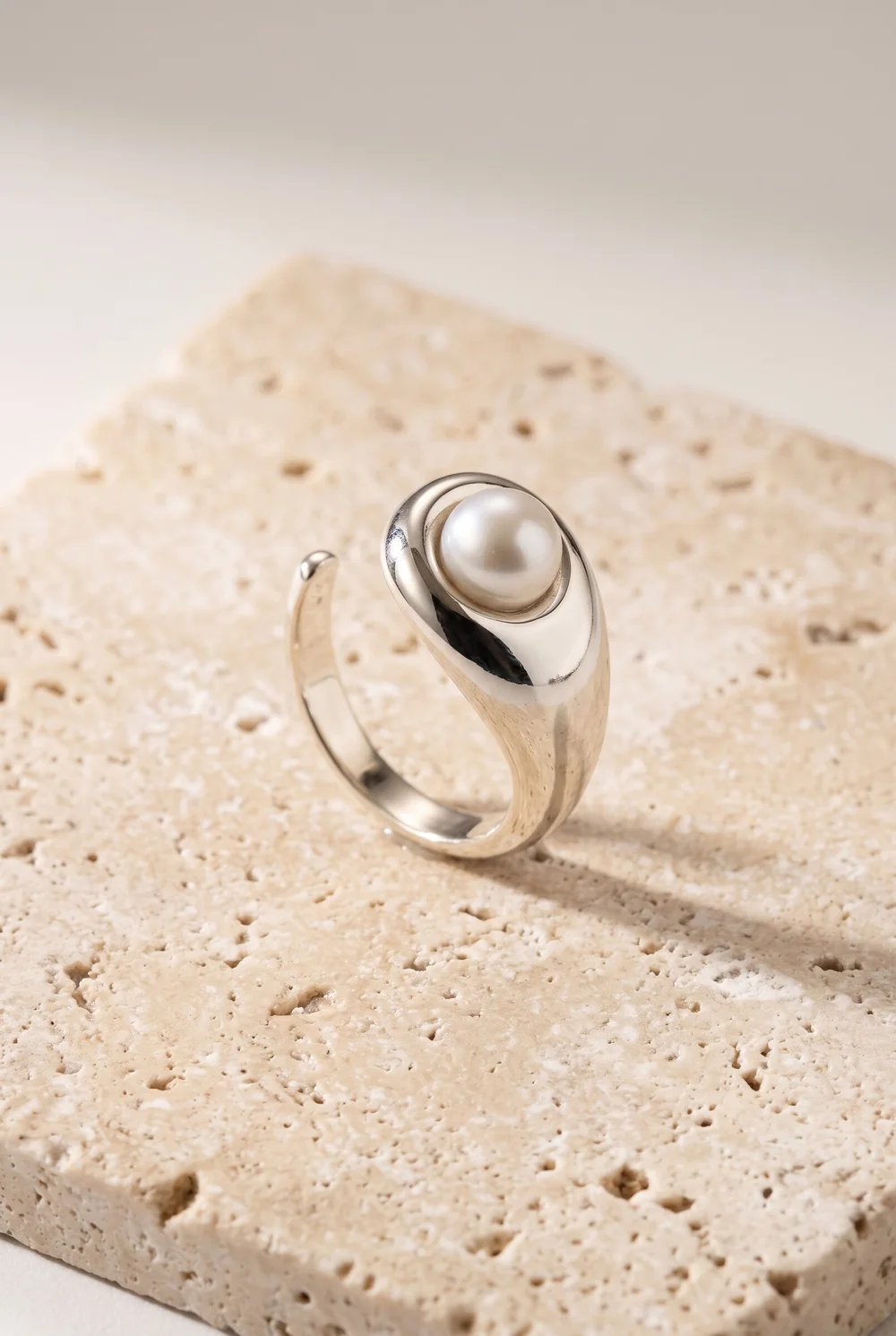
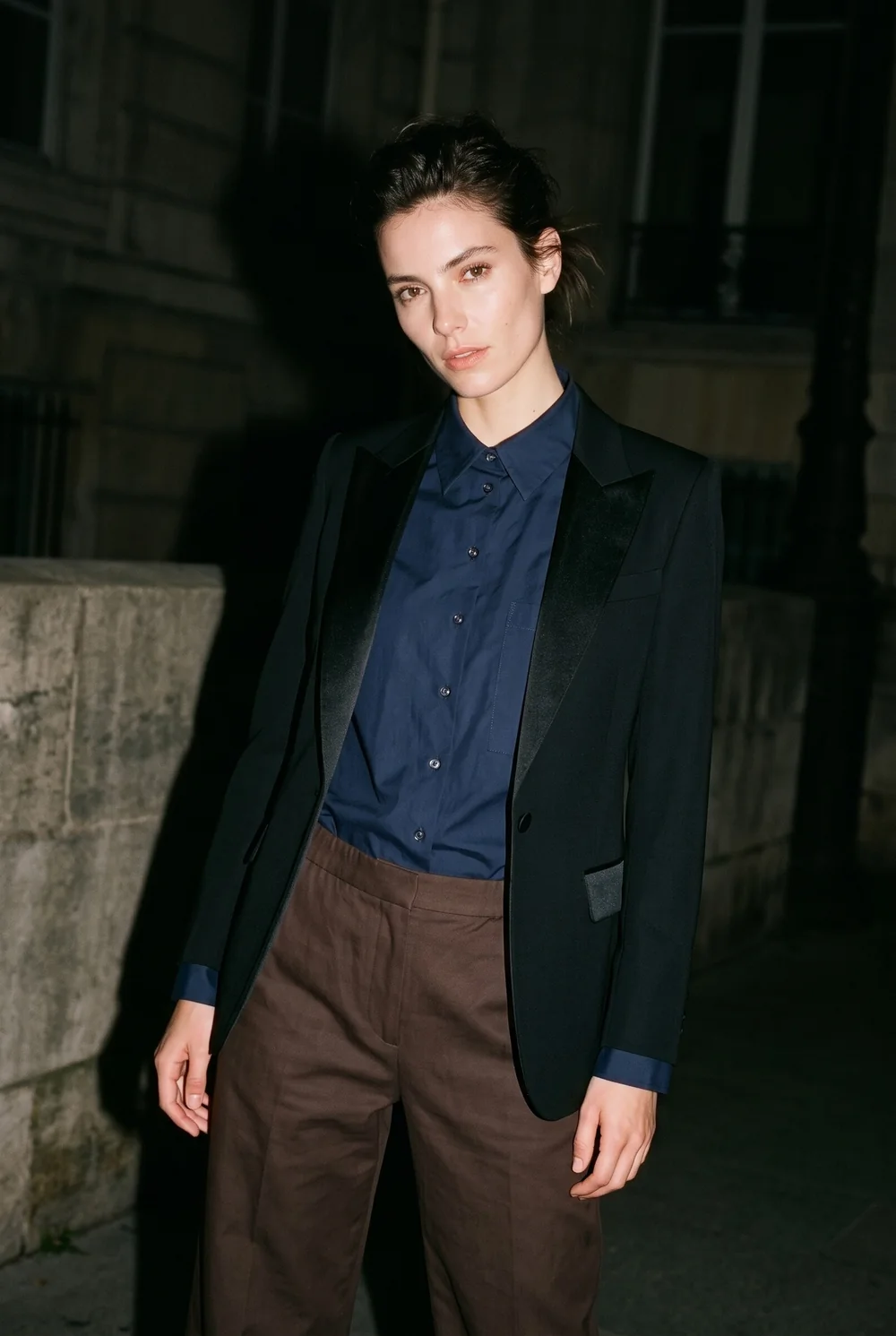
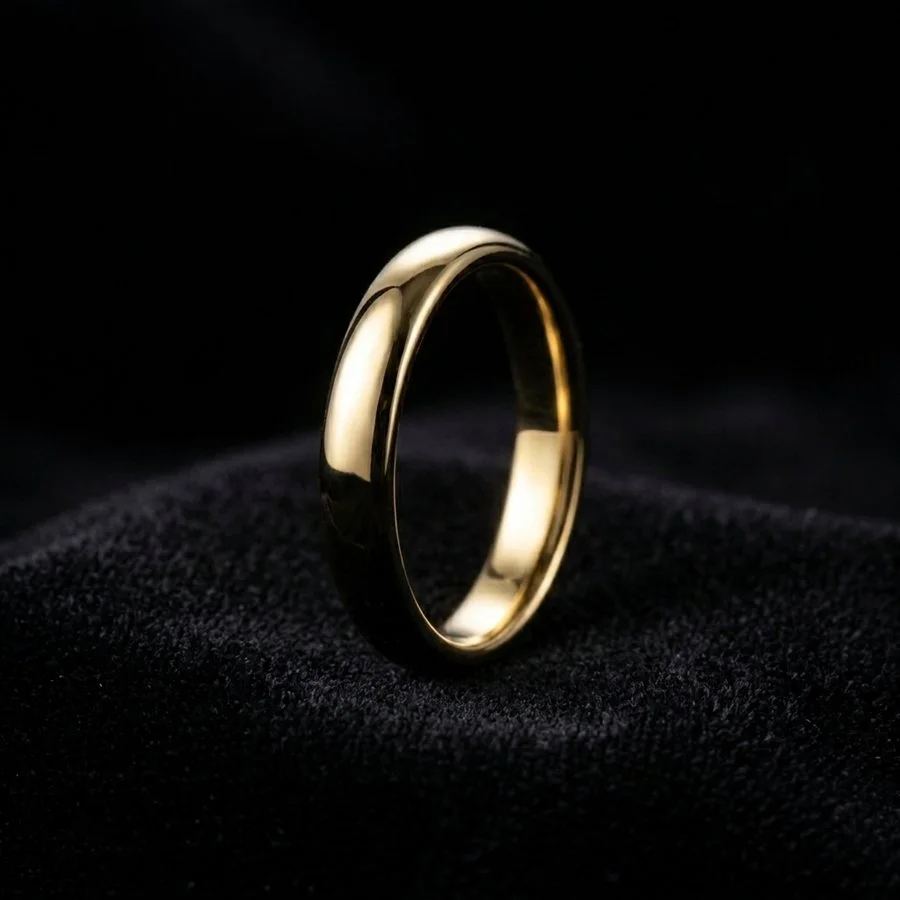
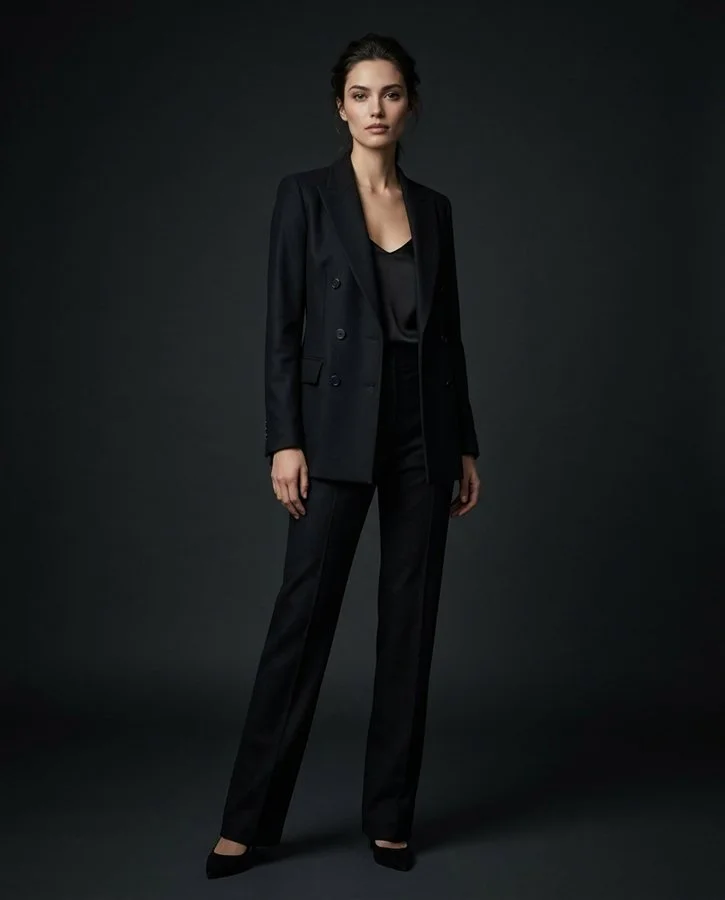
Jewelry, fashion, ceramics. Any product, its own look.
Every photo here was made with Brand Studio from one ordinary product photo.
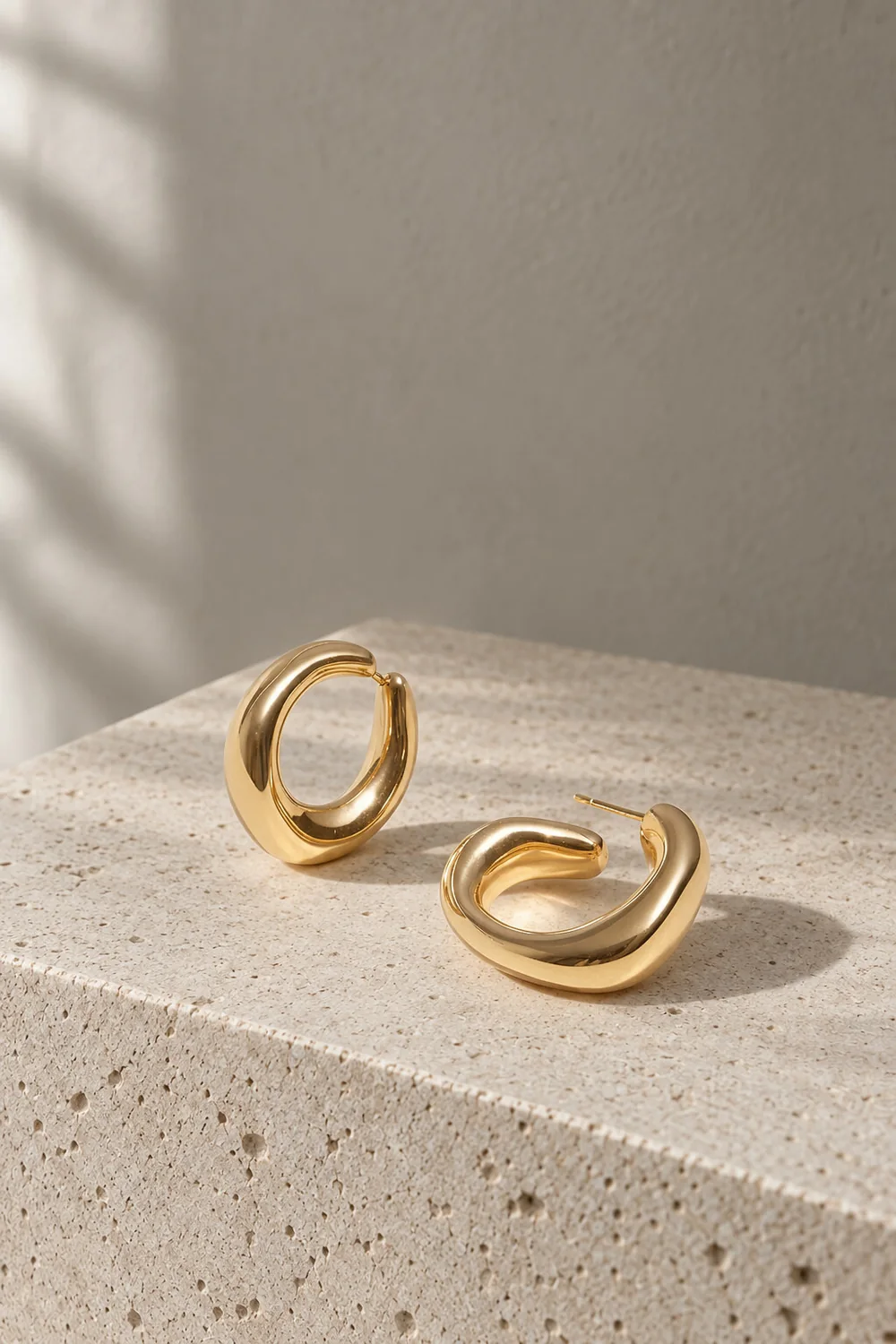
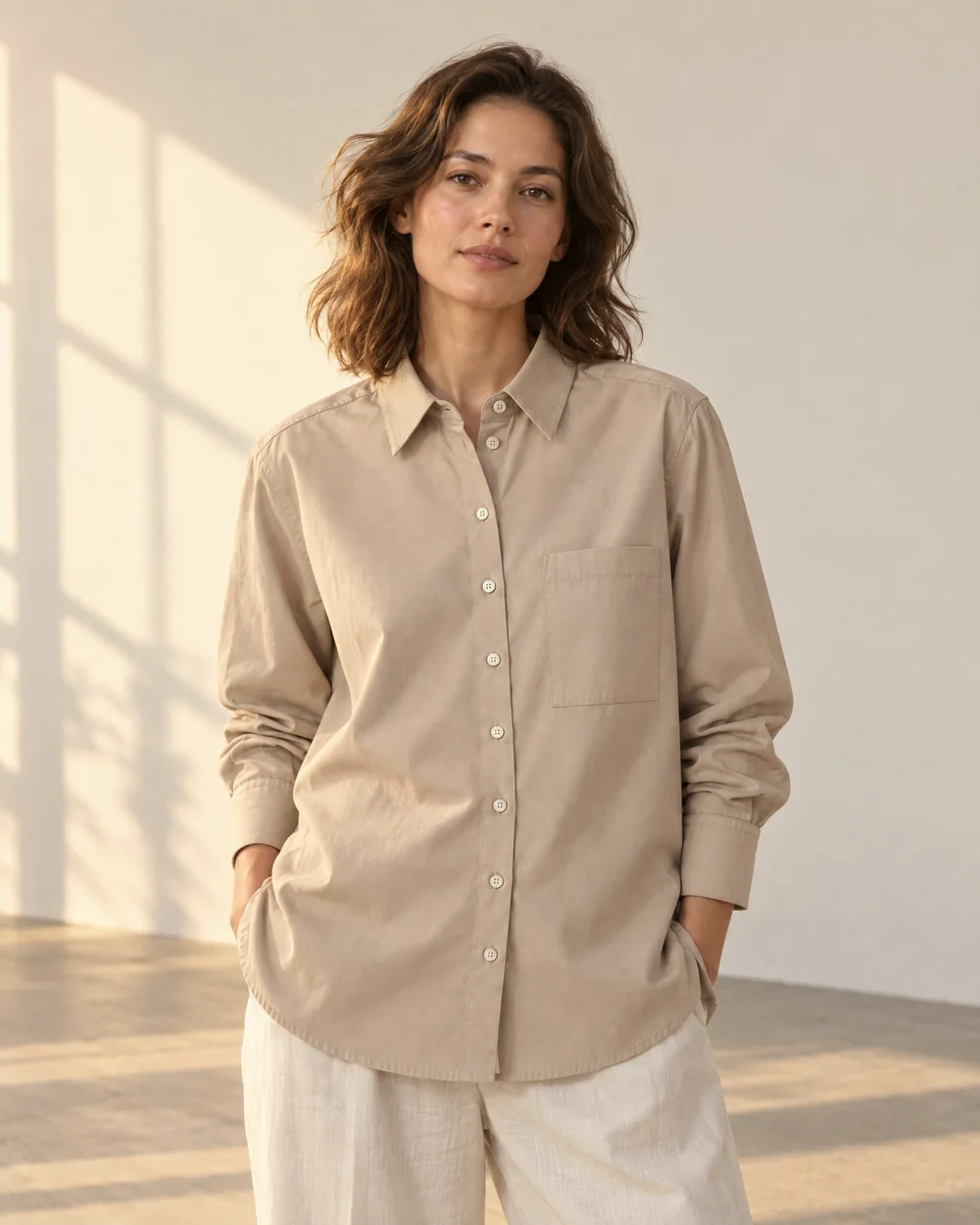
How it works
Three steps, inside your Shopify admin.
- 01
Pick a product
We use the photos your product already has. A quick phone photo on a table is enough.
- 02
Choose a photo set
Studio, on-model, flat lay or location. Example photos show what you'll get before you spend a credit.
- 03
Keep what you like
Add to store puts your favorites on the product. Nothing goes live until you choose.
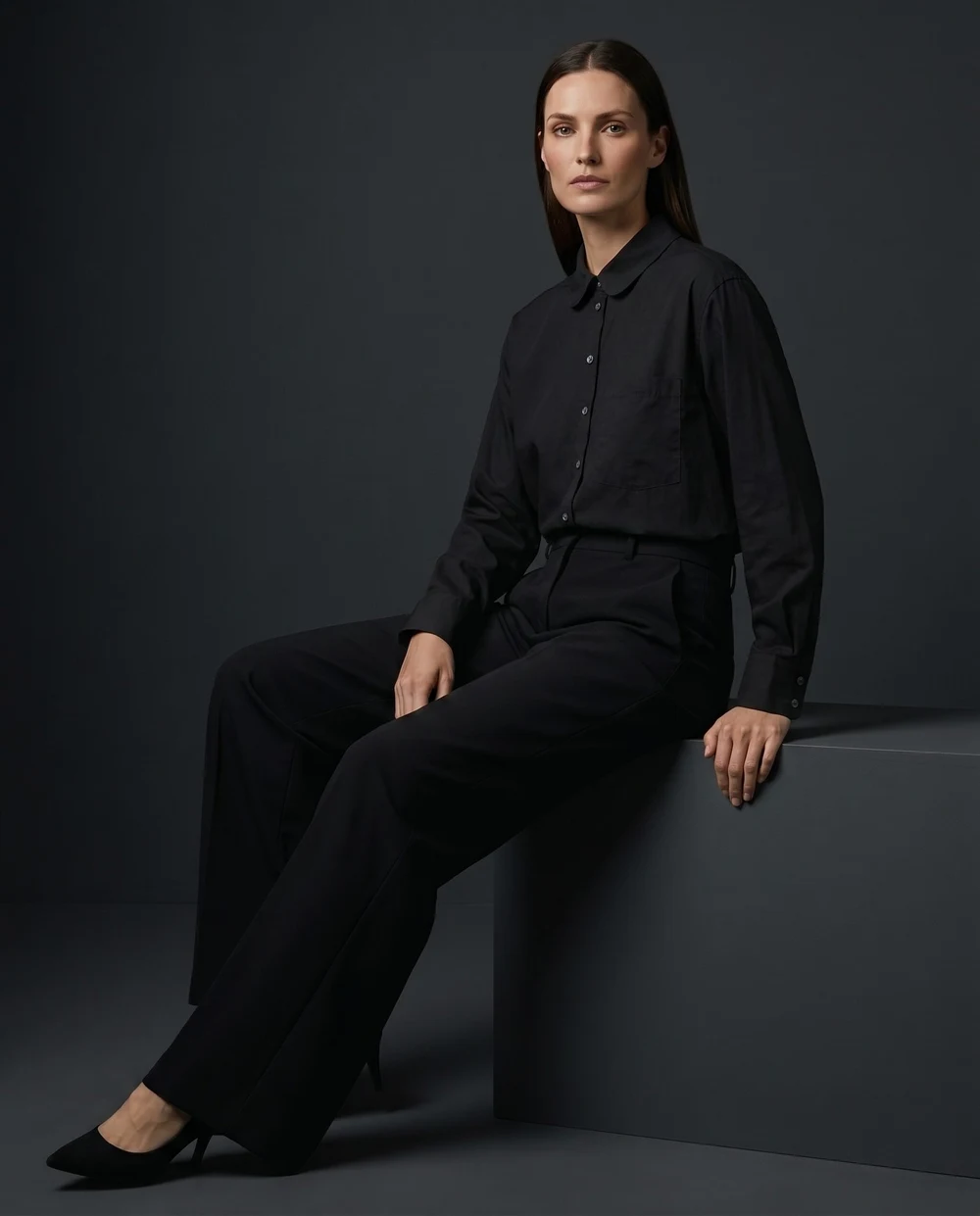
Your product, exactly
The product stays the product.
Many AI photo tools quietly change what you sell: a different collar, a new print, the wrong shade. Brand Studio is built to keep the color, fabric and details of your photo, shot after shot. If something matters, say it in plain words.
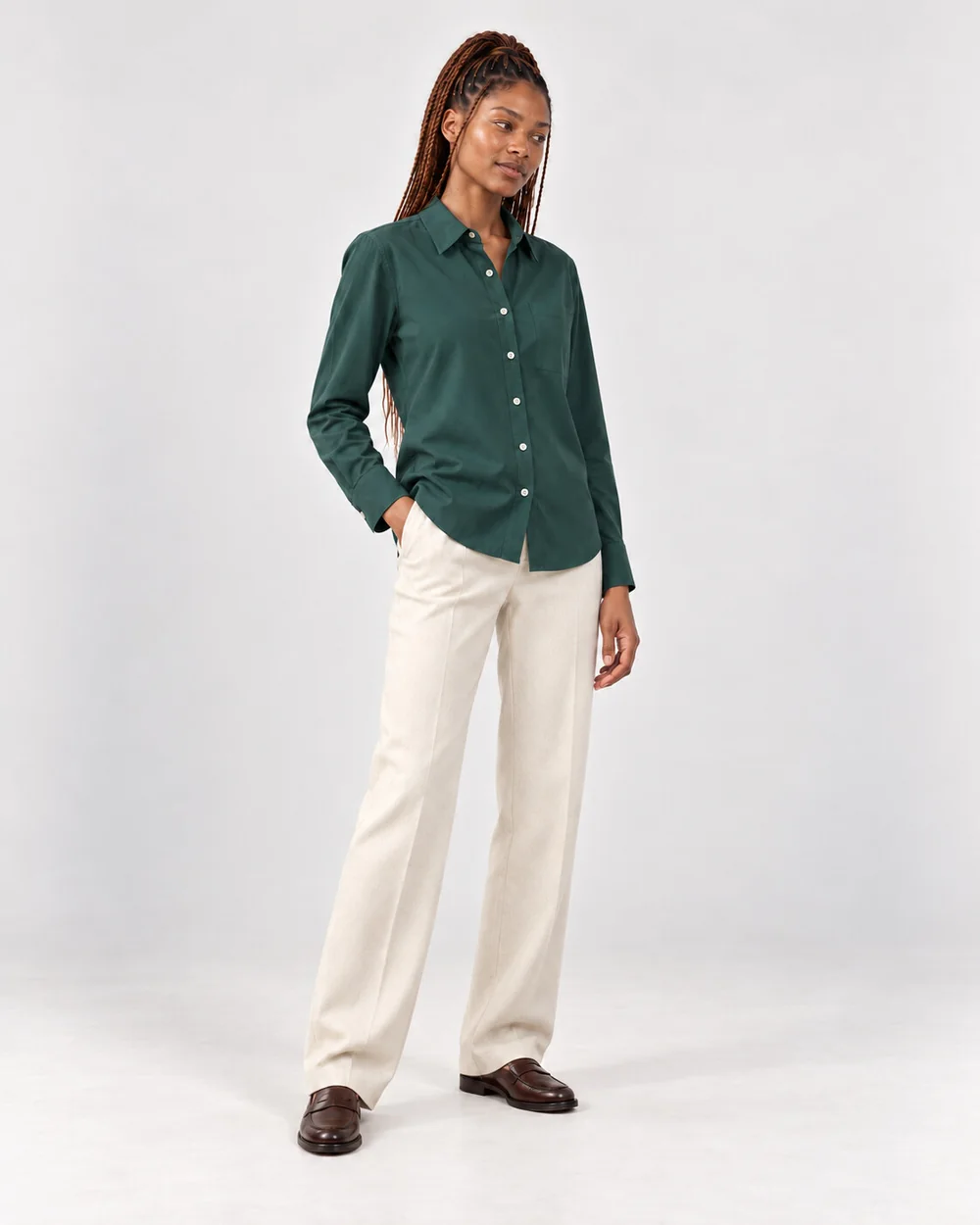
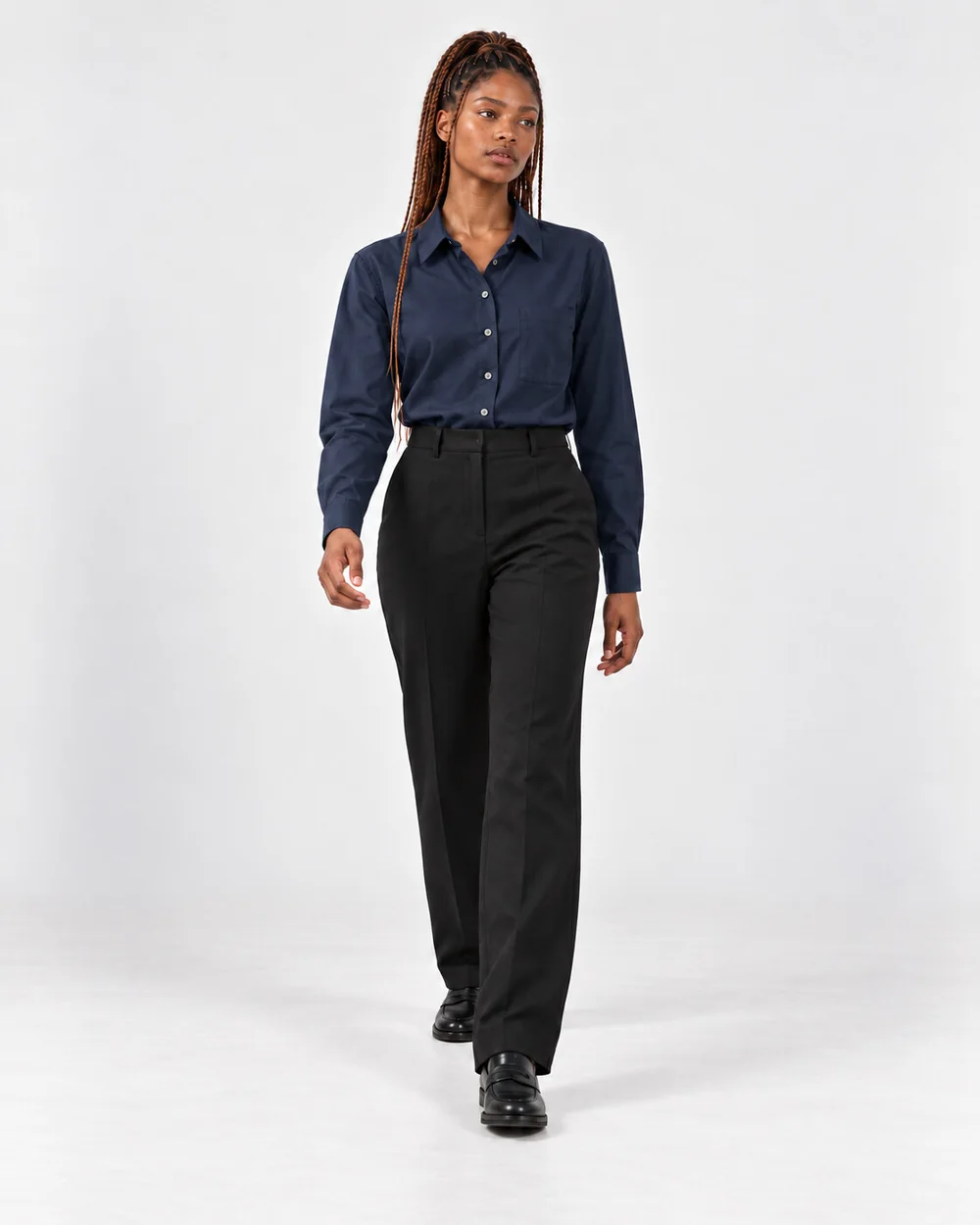
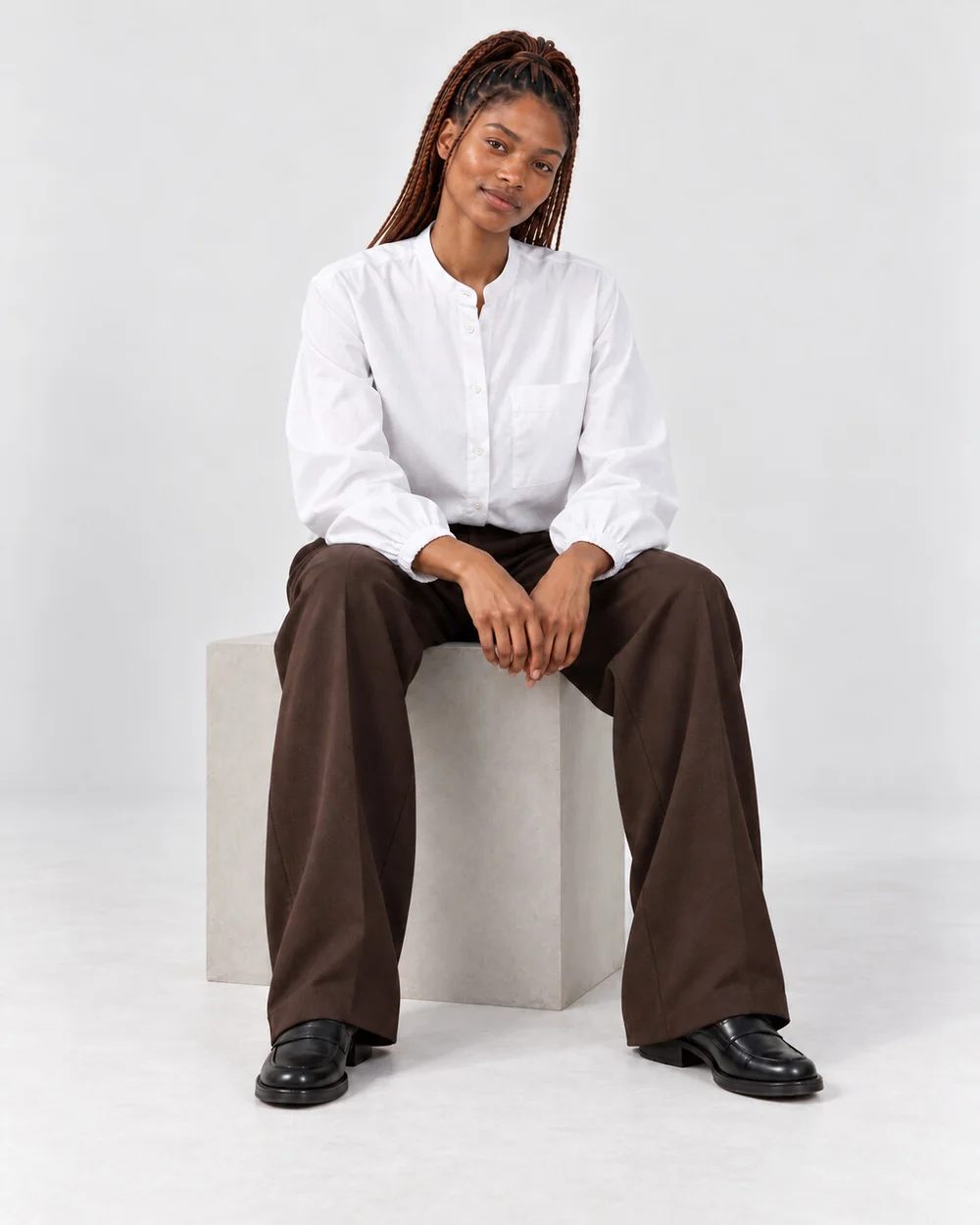
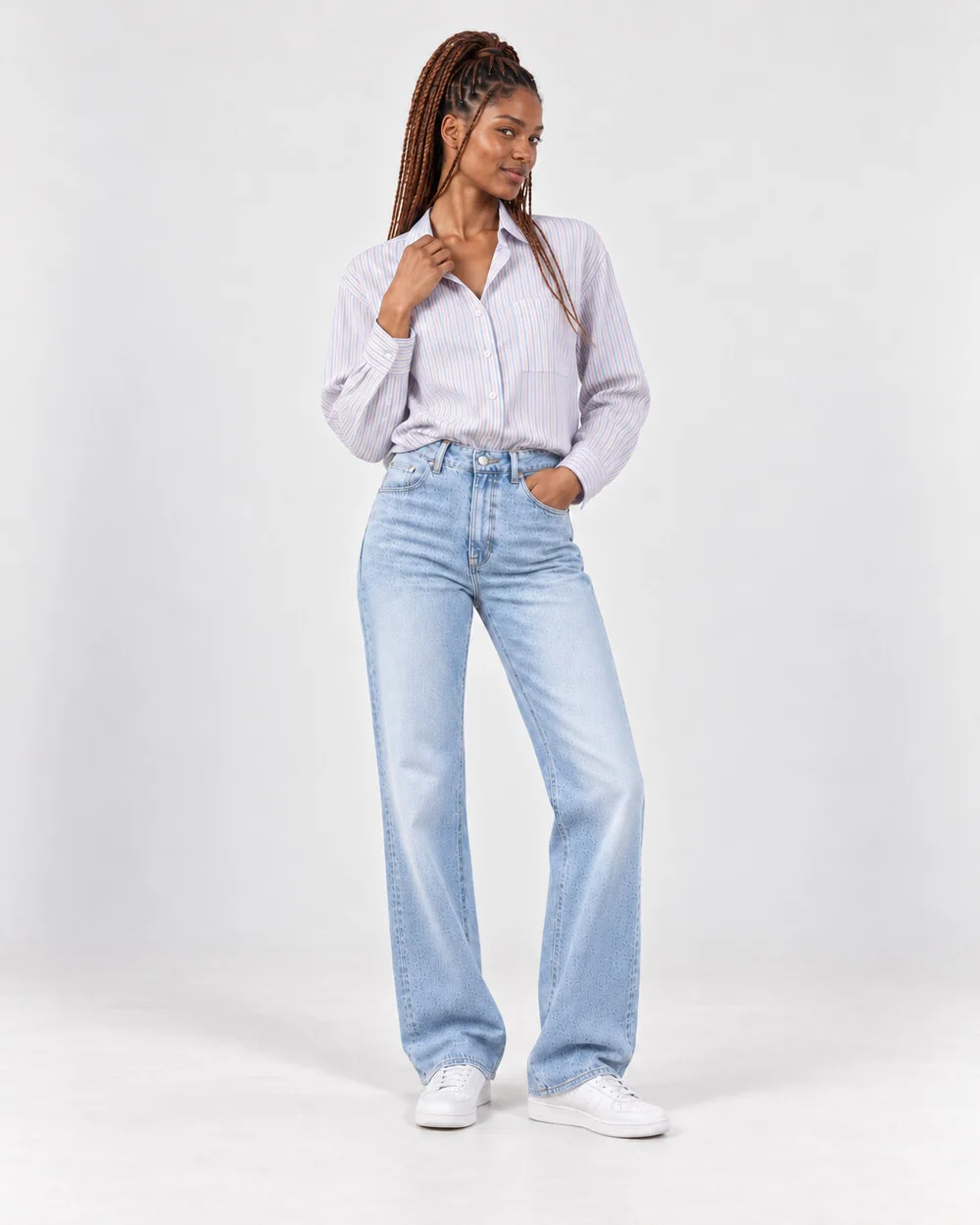
Models for your brand
Same face. Every piece.
One model across your whole collection, so your store reads as one brand. Pick a ready-made model or create your own.
Showing Zola
Everything you need
A complete photo studio.
Ready-made photo sets
Studio, on-model, flat lay and location sets for clothing, jewelry, home and more, so every product gets the same look.
Your own photo sets
Describe each shot in your own words, add an example image, and reuse the set on every new product.
Models for your brand
A ready-made model, or your own brand model with the same face across your catalog.
Full-size photos
Download one photo or a whole set for your store, marketplaces, social and ads. On Shopify, add them straight to the product.
No prompts to write
See example photos before you start. Want a change? Say it in everyday words.
Quality 1K or 2K
Quality 1K photos for trying out a look, sharper Quality 2K photos for your product pages.
Pricing
Start free. Pay as your catalog grows.
Every plan has every feature. Paid plans differ only in monthly credits. Prices in US dollars.
Pro
Most popular100 credits a month
For merchants adding new products every month.
Install on ShopifyFailed photos are refunded automatically. Cancel anytime. On Shopify you pay through your Shopify bill.
Where does Brand Studio run?
Inside your Shopify admin. Install it from the Shopify App Store, open a product and make photos for it.
What is a credit?
Credits pay for photos. Each photo uses a few credits, depending on its quality and whether it has a model in it. You see the cost before you start.
Will the AI change my product?
Brand Studio is built to keep your product true to your photo: color, print, buttons and details. If something matters, add instructions in plain words. You review every photo before it goes on your store.
Do failed photos count?
No. Failed photos are refunded to your credits automatically.
Do you keep my product images?
Photos you don't add to a product are removed from Brand Studio after 30 days, and the ones you add stay on your Shopify product. Our privacy policy has the details.
Can I cancel anytime?
Yes. Uninstall the app from your Shopify admin and your subscription stops. Photos you added to your products stay on them.
Can I try it for free?
Yes. The Free plan includes 15 credits, with no credit card.
Your next photoshoot takes minutes, not weeks.
Install Brand Studio, pick a product and get your first photos with 15 free credits.
Free plan · 15 credits · No credit card